Key Takeaways
Connect an AI agent like Claude or ChatGPT and run your station in plain language, with no code.
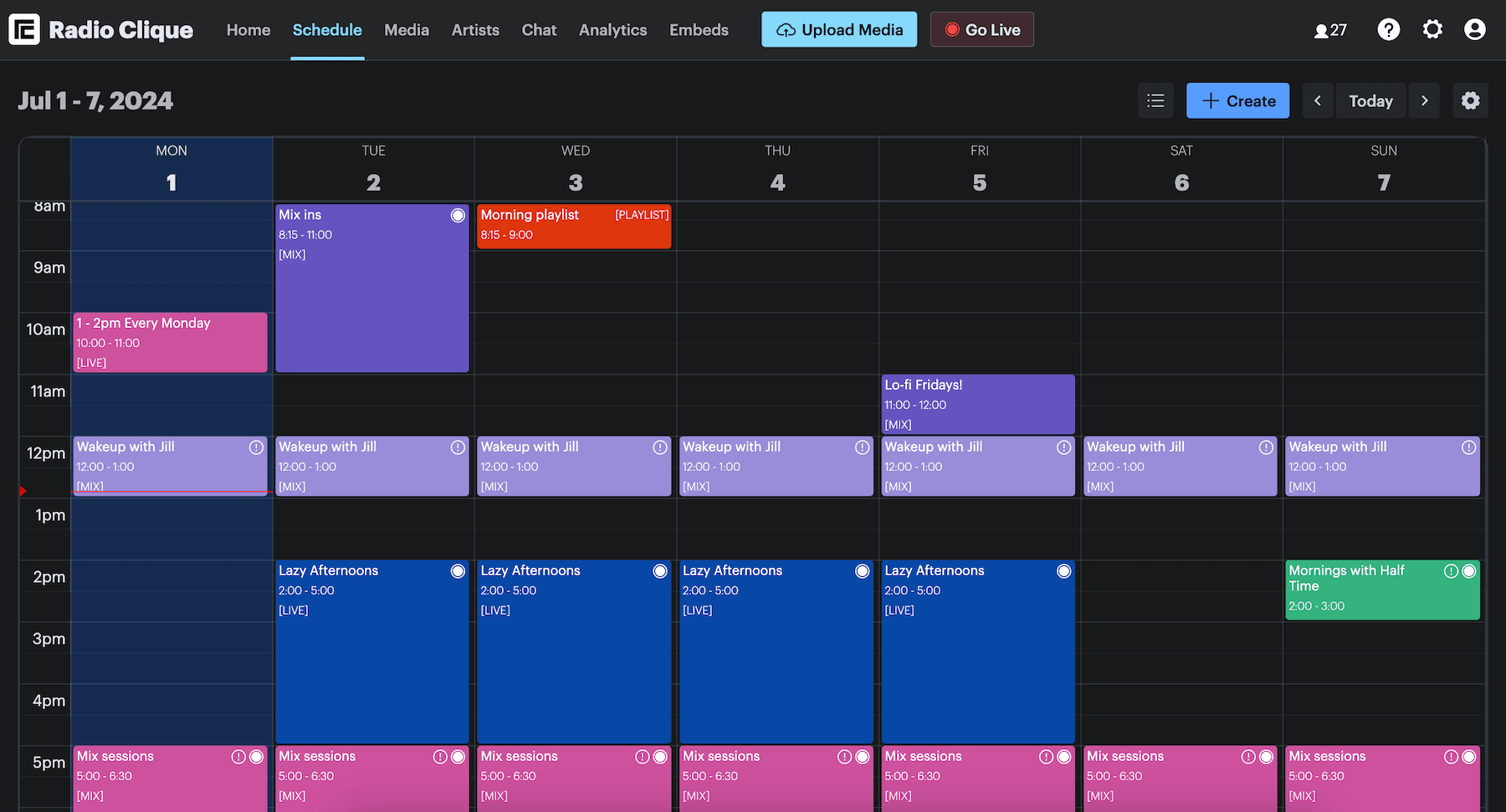
Build and change your schedule by asking: create, update and delete shows, set up a repeating series, and book artists onto events.
Manage your whole media library and your artists programmatically: create, update and delete tracks, playlists and tags, and update, download or delete your recordings, over the RadioCult API.
Put real workflows on autopilot: sync a CMS or website, mirror your library to your own database or archive, and rebuild repeating shows automatically.
Your existing API integrations keep working unchanged. Connect is included on Premium and Business, or you can add it to Starter or Growth. See pricing.
The busy work of running a station
Running an online radio station comes with a steady drip of manual admin. Rebuilding next week of shows. Uploading and tagging new tracks. Updating an artist profile. Putting the same repeating show back in the calendar. None of it is difficult, but it all takes time, and it is time you could spend on the parts of your station that actually need you.
Until now, most of that work meant clicking through the dashboard by hand. Today it does not have to.
Two ways to automate your station
We have opened up two new ways to run your station without doing everything by hand.
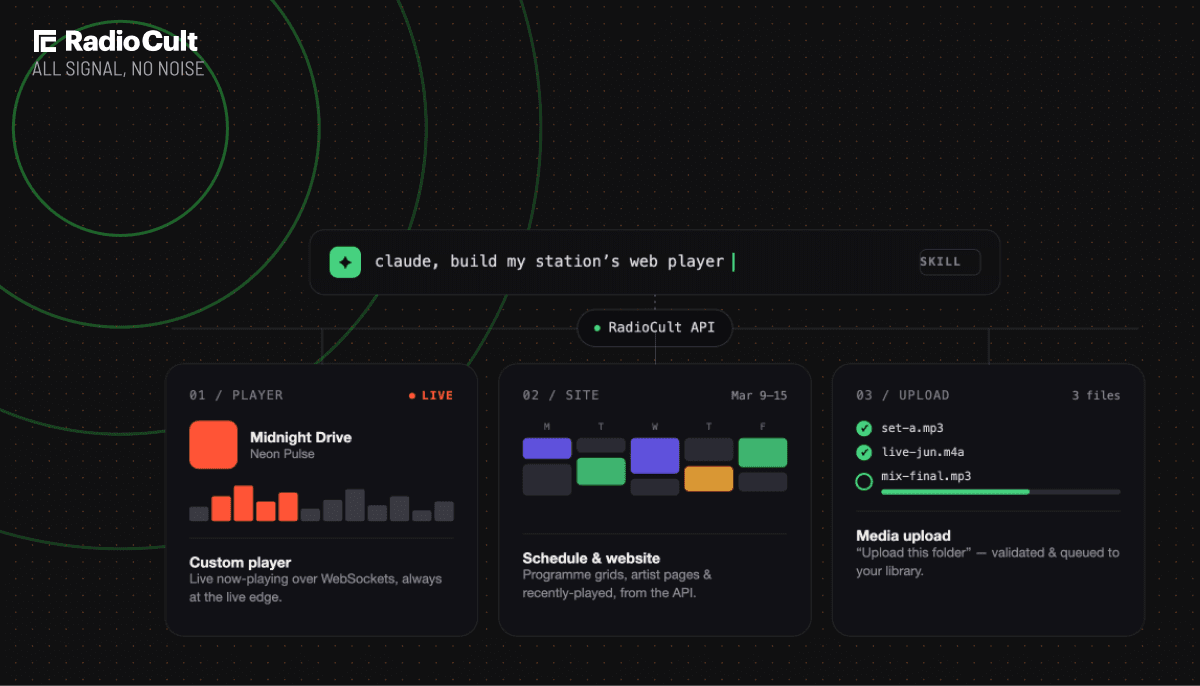
The first is AI agents. If you would rather not touch code at all, you can connect an AI agent like Claude or ChatGPT to your station and simply ask it to do the work for you.
The second is our expanded API. If you or your team can write a little code, you can now manage your media library and artists programmatically, and wire RadioCult into whatever other tools you use.
They are two routes to the same destination: less manual admin, and a station that runs more of itself. Pick whichever fits how you and your team work, or use both. There is a full breakdown of what each one covers on the radio station API and AI agents page.
Bring your own AI agent
Not everyone wants to write code, and you shouldn't have to. That's what AI agents are for.
An AI agent is an assistant like Claude or ChatGPT that you connect directly to your station. Once it's connected, you manage your station by asking, in plain language, and the agent carries out the work through the same API under the hood.
For example, you might ask your agent to build next week of shows, tag a night of new tracks by genre, add a set of tracks to a playlist, tidy up a playlist that has grown too long, publish an existing recording to Mixcloud, or update an artist's details. The agent does the clicking so you do not have to.
One thing a chat assistant cannot do is upload audio, because the files never reach it. Uploading is a job for a coding agent like Claude Code, Codex or Gemini CLI, which runs on your machine with your API key and can send the files itself. We publish a media upload agent skill that teaches it how, so "upload this folder to my station" works there instead.
It is the same power as the API, without needing to be a developer to use it.
What you can do with the API
The RadioCult API now covers the write side of your station, not just reading data out of it. You can create, update and delete schedule events, set up repeating series, and book artists onto shows, as well as working across your media library, tracks, playlists, recordings and tags, and managing your artists.
That means the things you used to do by hand in the dashboard can now run as part of a script, a scheduled job, or an integration with another system. Book a resident in every Thursday for the next three months. Upload a batch of tracks and tag them. Build and tidy playlists. Copy a recording into your media library. Keep your artist roster in step with another source.
We have kept this post high level on purpose. Every endpoint, with request and response examples, lives in the RadioCult API reference.
What this looks like in practice
Here is where automation earns its keep. A few examples:
Sync your CMS or website. If you manage content in your own CMS or on your website, you can push changes straight into RadioCult instead of updating both by hand. Your station stays in step with your site automatically.
Mirror your library to your own systems. Pull your tracks and recordings into your own database or long-term archive on a schedule, so you always have your own copy and can build reporting or backups around it.
Automate a repeating show. Set the series up once, daily, weekly or monthly, and it keeps its slot in the schedule. For a show that also needs new audio each week, you can clear its playlist, upload the new files, and rebuild it automatically, so the next episode is ready without anyone touching it.
Give your team their hours back. Every one of these is work someone on your team used to do manually. Handing it to the API or an AI agent frees them to focus on the station itself, not the admin around it.
How it works
Getting started takes just a few minutes.
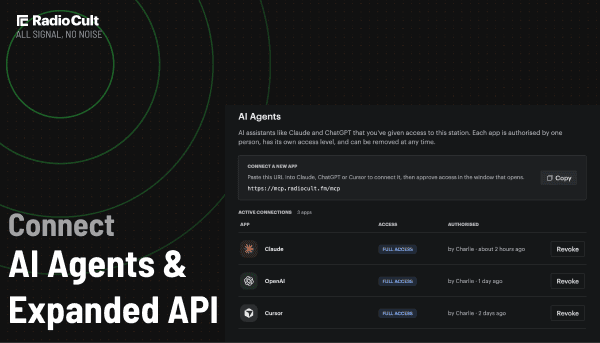
To use an AI agent, go to the AI Agents page, connect your agent, and approve the access it is asking for. From there you can start giving it instructions.
To build with the API yourself, generate an API key on the API key page, then follow the instructions in the RadioCult API reference. We have included examples for everything covered here.
Which plans include this
Connect is included on Premium and Business plans. On Starter and Growth you can add it to your existing plan for a flat monthly fee. See pricing.
If you are already building on our API: the endpoints you use today keep working exactly as they do now, so your current integrations will not miss a beat. Only the new capabilities described here need Connect.
Frequently asked questions
Which AI agents can I connect?
Popular assistants like Claude, ChatGPT and Cursor. If your agent supports connecting to external tools, it can likely connect to your RadioCult station.
Do I need to be a developer?
No. The API is there if you want to build integrations yourself, but AI agents let you automate your station in plain language without writing any code.
Will my existing API integration keep working?
Yes. The endpoints you already use are unchanged. Only the new write capabilities need Connect.
Can an AI agent break my station?
Only with your permission. When you connect an agent you pick a scope. A read connection can only query your station, so it cannot change anything. A write connection can also create, update and delete, so destructive actions are only ever available when you have explicitly connected with write scope. Choose read unless the agent genuinely needs to make changes, and give it write access once you have seen how it works.
You approve the connection on a RadioCult consent screen in your browser, your API key never touches the agent, and you can revoke any connection at any time from the AI Agents page.
What can I automate?
Your schedule and everything across your media library and artists: creating, updating and deleting shows, setting up repeating series and booking artists onto them, plus tracks, playlists, recordings and tags. Full details are in the API reference.
Which plans include the API and AI agents?
Connect is included on Premium and Business plans. On Starter and Growth you can add it to your existing plan. See pricing for current rates in your currency.
Ready to put your station on autopilot? Connect an AI agent, or generate an API key and dive into the docs. Still weighing it up? See what Connect covers on the radio station API and AI agents page. Not on Premium or Business? Add Connect to your plan.
Put your station on autopilot today.
Get 7 days free