Changelog

All signal,
no noise.

A running log of everything new, improved, and fixed across Radio Cult — from broadcast infrastructure to scheduling, mobile, and the API.

LiveUpdated August 2026

Get product updates in your inbox

Duplicate an event

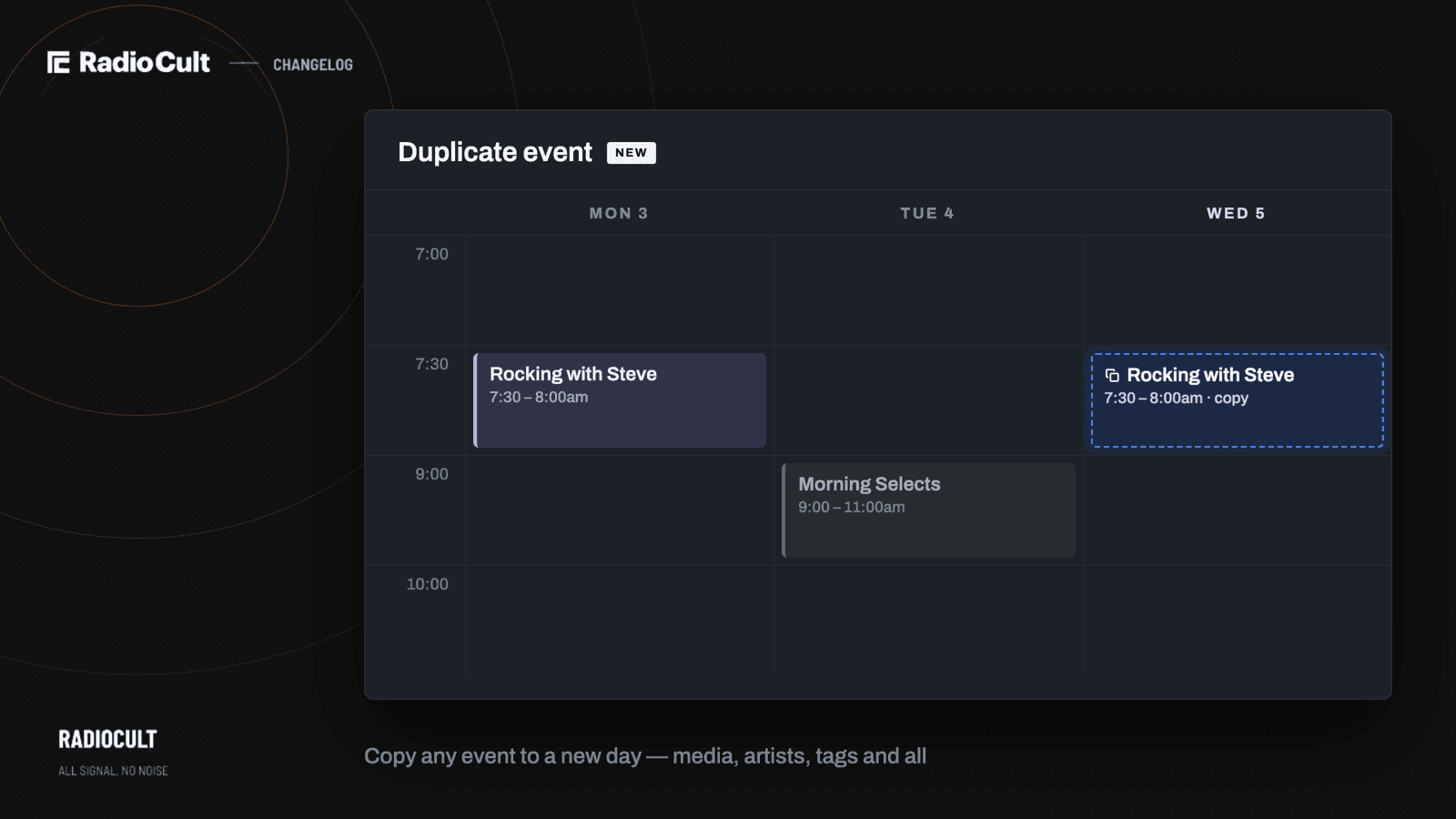
Copy any show in one click. Open an event, hit duplicate, and the create form opens with everything already filled in: title, description, artists, tags, colour, media and repeat rule. Change the bits you want and save.

A week view of the schedule with "Rocking with Steve" running 7:30am to 8:00am on Monday 3, and a copy of the same show highlighted on Wednesday 5 at the same time
  • A Duplicate button on the event details modal, next to delete
  • Needs the same permission as creating an event, so the button only shows for people who can already add shows

CharlieCharlie

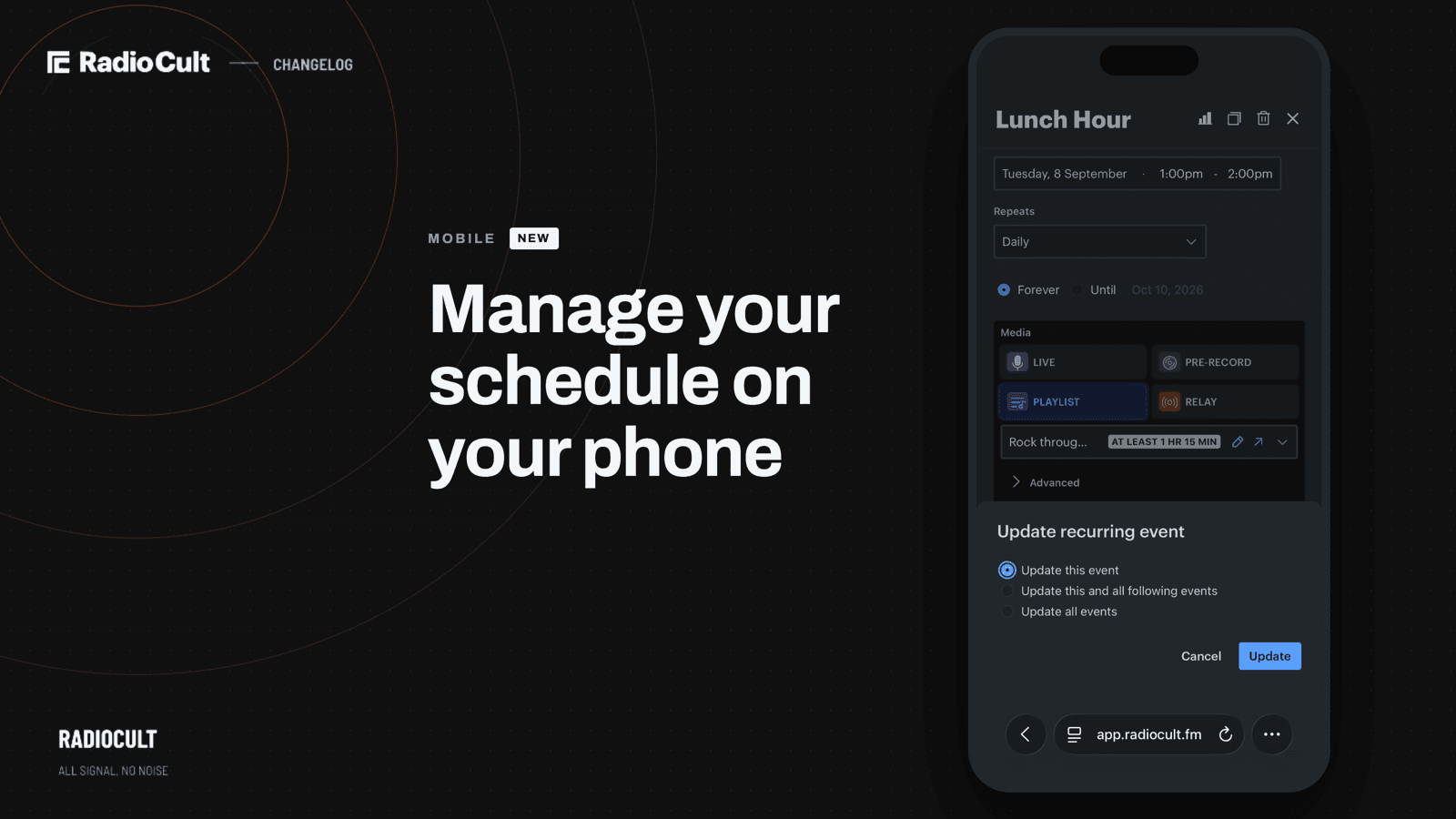
Repeat on the last weekday of the month

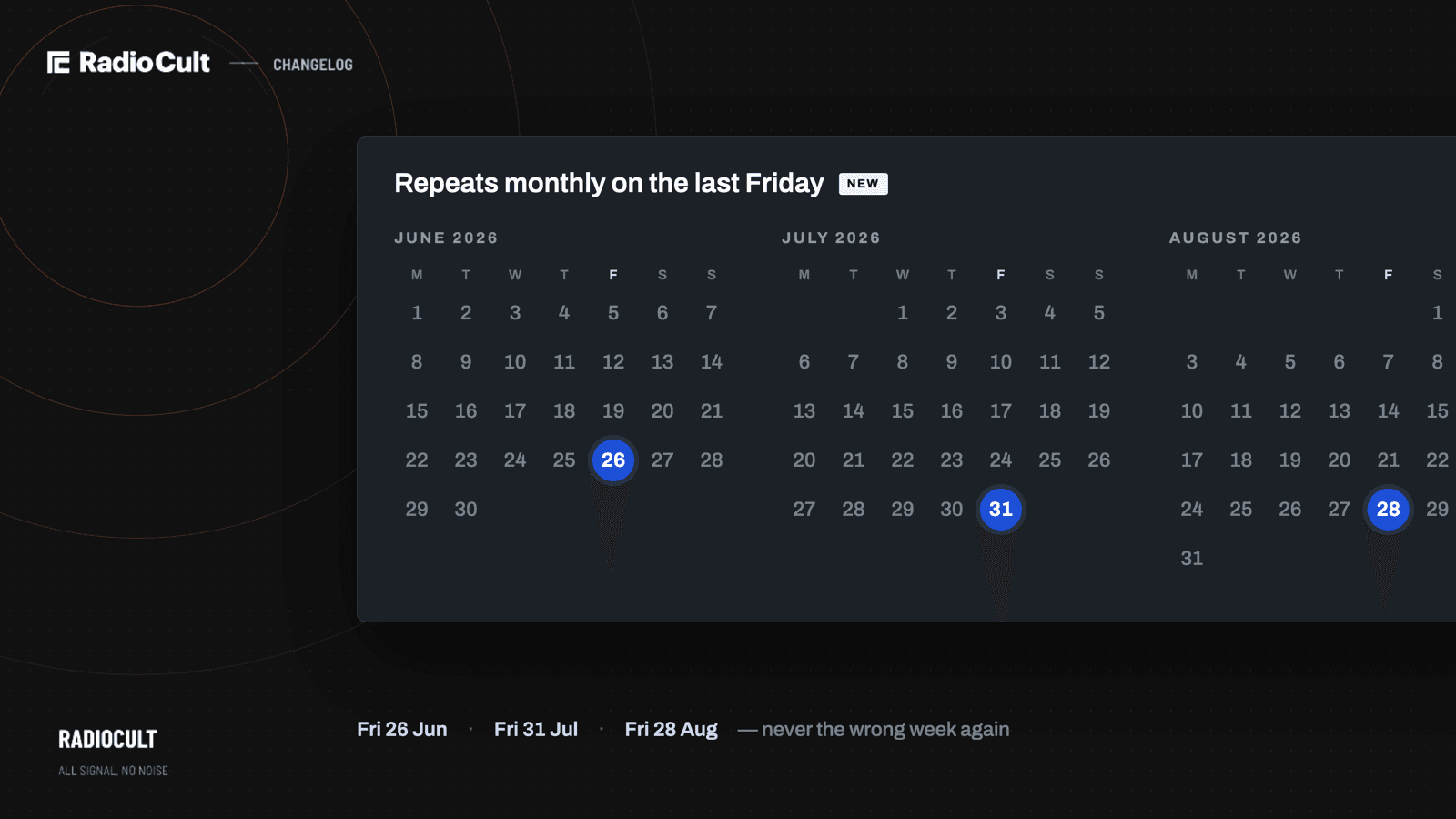
Schedule a show on the last Friday of every month and have it land on the last Friday, whether that month has four or five of them. Monthly and bimonthly, in the dashboard and over the API.

A repeat rule reading "Repeats monthly on the last Friday" above calendars for June, July and August 2026, with the last Friday of each month highlighted: 26 June, 31 July and 28 August
  • Two new options in the repeat picker: Monthly on the last Friday and Bimonthly on the last Friday, named for whichever weekday your show starts on

  • They appear when the show starts on the last of that weekday in its month, alongside the existing fixed-occurrence options

  • A weekday-of-month rrule now takes BYSETPOS=-1, for example FREQ=MONTHLY;BYSETPOS=-1;BYDAY=FR;WKST=SU. startDateUtc must be that last weekday

  • Documented in the create_event MCP tool and the schedule automation agent skill

  • More reliable image uploading and resizing across tracks and artists

CharlieCharlie

Connect: AI agents and an expanded API

Two new ways to take the admin off your plate. Connect an AI agent like Claude or ChatGPT and build next week of shows just by asking, or use our expanded API to automate the busywork yourself.

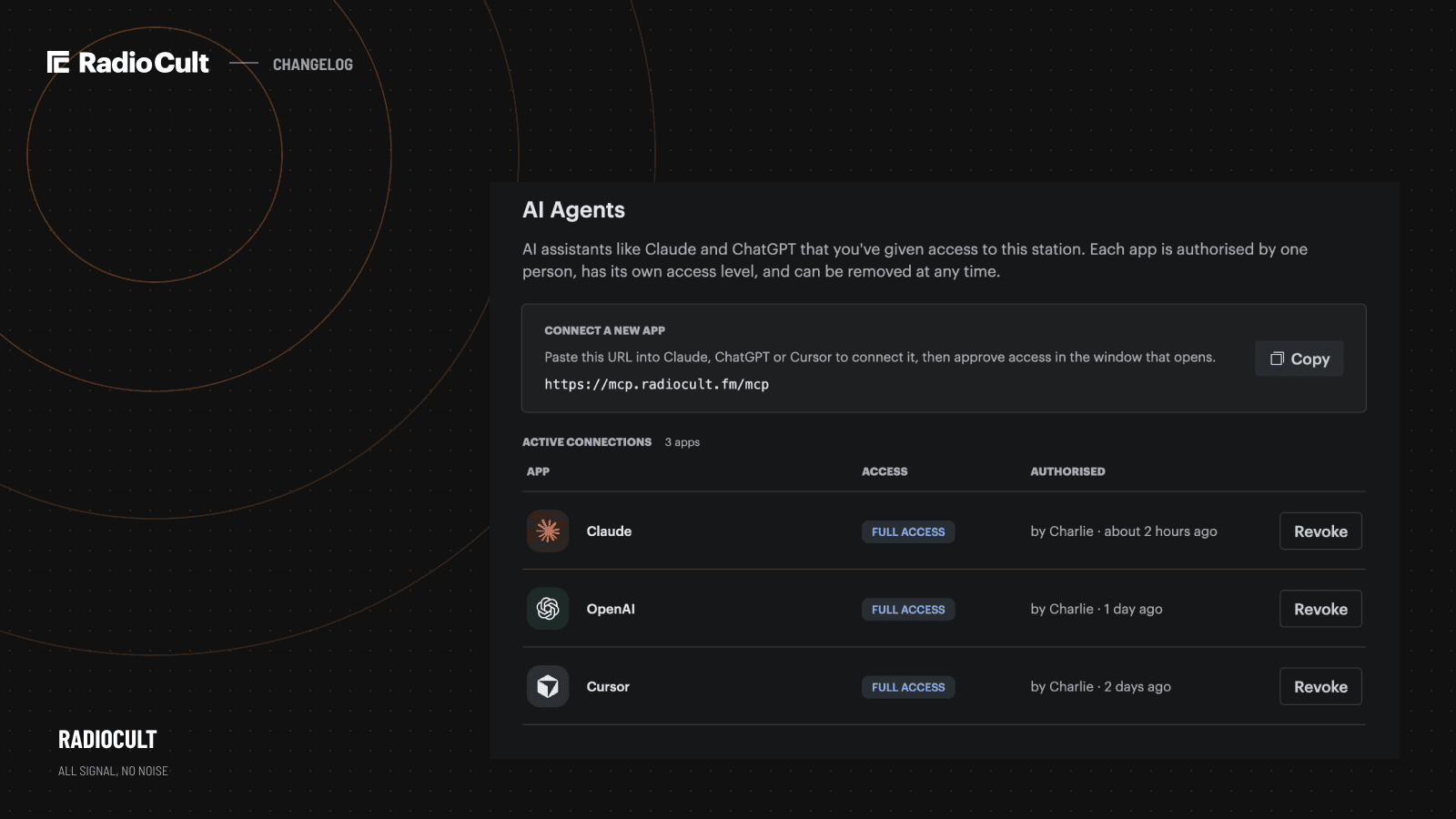
The AI Agents page with the connected agents
  • Connect an AI agent like Claude or ChatGPT and manage your station just by asking, from scheduling shows to updating your artists, no code required

  • Build and change your schedule by asking: create, update and delete shows, set up a repeating series, and book artists onto events

  • Included on Premium and Business, or add Connect to Starter or Growth. Compare plans or see what Connect covers on the radio station API and AI agents page

  • Create, update, and delete schedule events, with support for repeating series daily, weekly, or monthly, plus adding and removing artists on an event

  • Create, update, and delete tracks, playlists, tags, and artists, plus update, download, and delete your recordings, straight over the API, all documented in the API reference

CharlieCharlie

Agent skills

Ready-made skills that teach your AI coding agent to build against the RadioCult API the right way. Realtime now-playing metadata instead of polling, an audio element that stays in sync, schedule queries that fetch artists in one request, publishable-key-only players, and direct media uploads. Download them from the API docs.

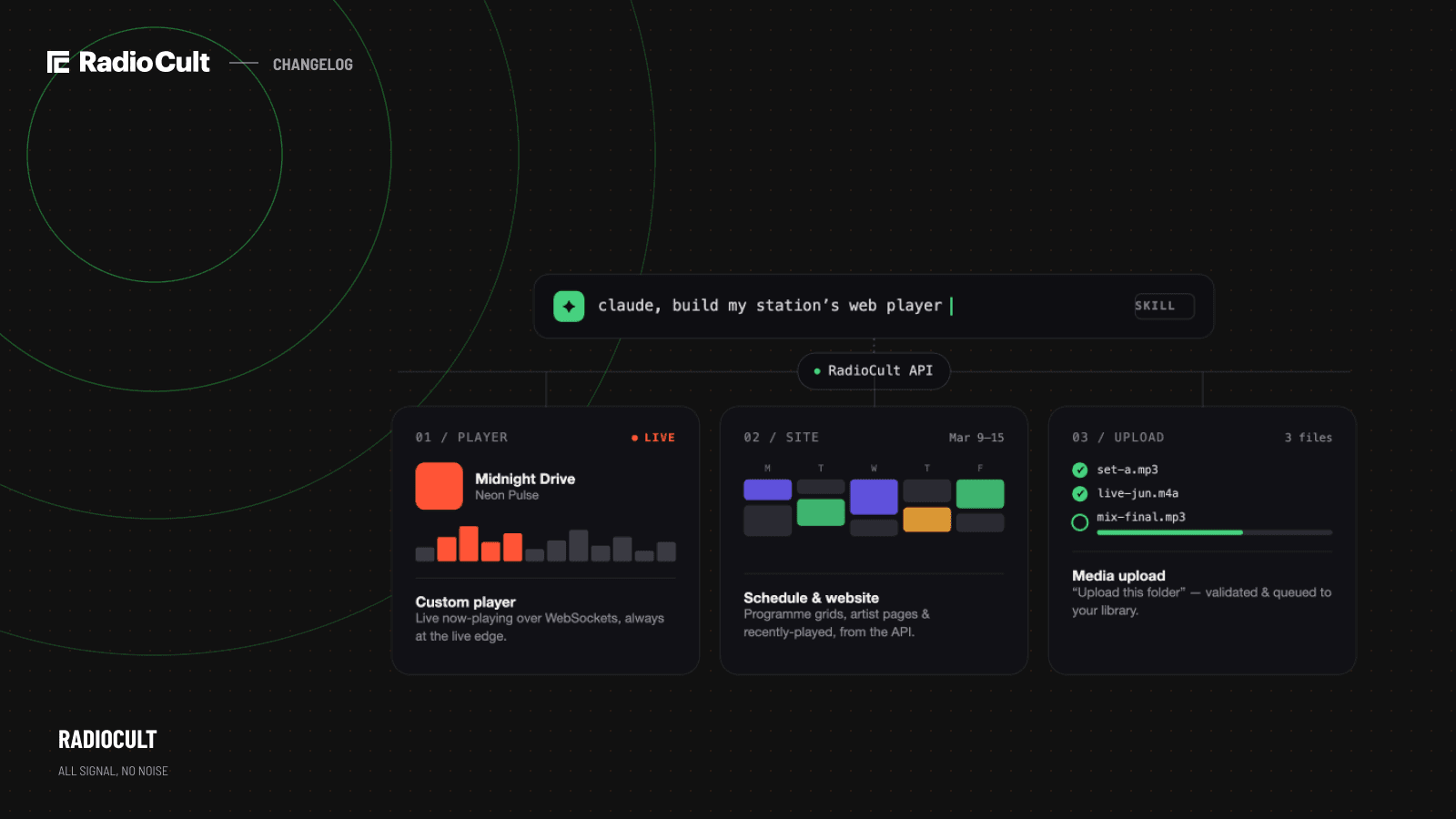
A prompt asking Claude to build a station web player, branching through the RadioCult API into three agent skills: custom player, schedule and website, and media upload
  • Three agent skills to start: a custom player, a station website and schedule, and media uploads. Download them from the API docs

  • Tell the upload skill "upload this folder to my station" and your agent uploads the files for you, validating type and size and attaching metadata

  • The player skill uses realtime metadata over websockets and loads and unloads the stream from the audio element cleanly, keeping listener analytics accurate

  • The schedule skill hydrates artists and tags in a single request only when they are shown, avoiding per-artist calls and wasted rate limit

  • Works with Claude, Codex, Gemini and ChatGPT. Download a zip for Claude, or copy the prompt into an AGENTS.md, GEMINI.md, Custom GPT or Gemini Gem

  • The track upload endpoint now enforces a 750MB maximum file size and returns a clear error when a file is too large

CharlieCharlie

Custom roles

Build roles that fit exactly how your station works. Decide what each person can see, do, and manage across your station, then assign that role to anyone on your team. No more squeezing people into a handful of fixed roles and hoping they were close enough.

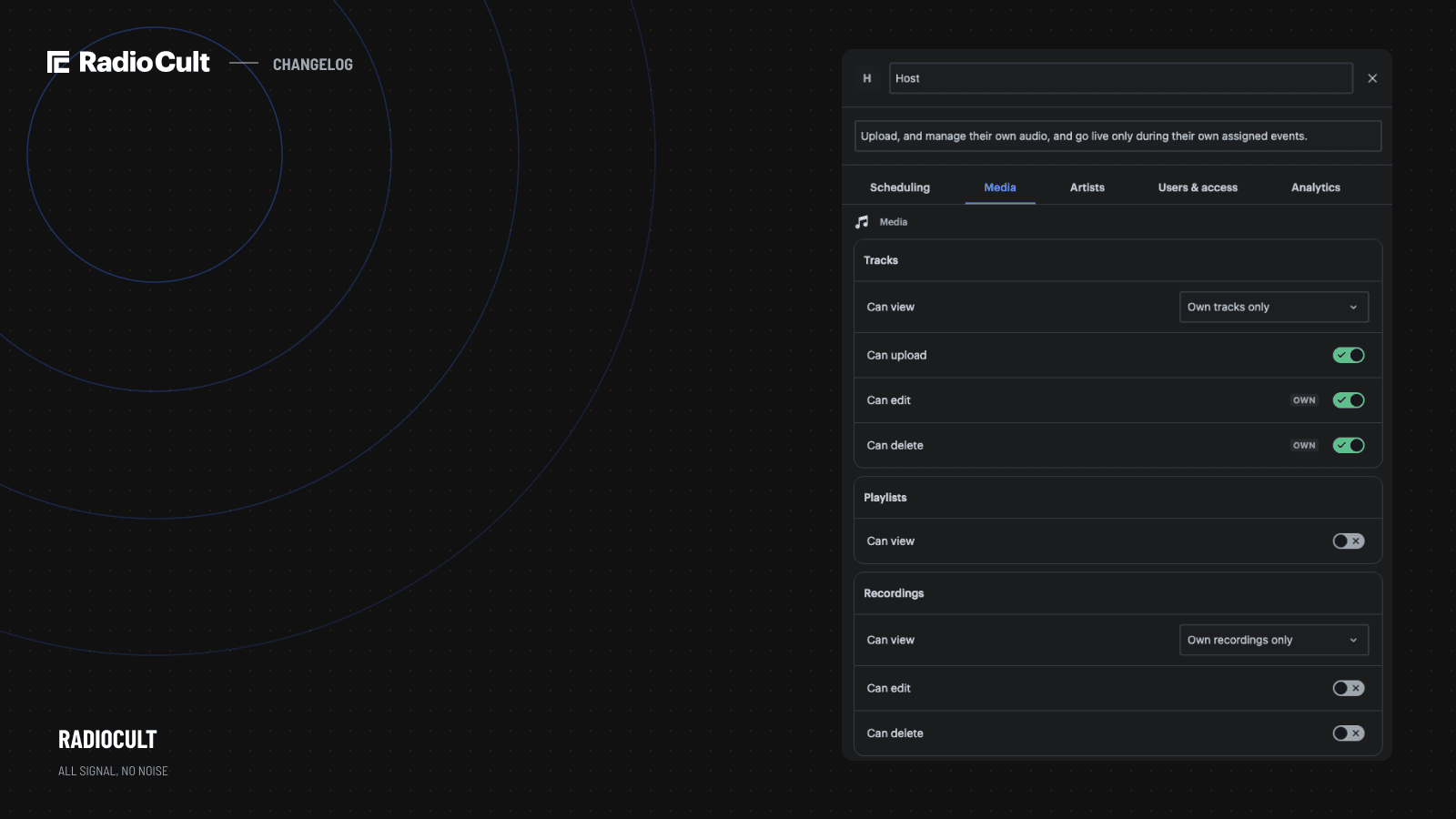
The custom role editor with permissions grouped by section
  • Create a role from scratch and choose exactly what it can access, including your schedule, music library, artists, chat, settings, going live and more

  • Switch each capability on or off until the role matches the way your station actually works, like letting a DJ delete their own tracks or view the analytics page to check their listener numbers mid-show

  • Update a role whenever your needs change, and everyone assigned to it picks up the new access straight away

BarnsBarns

Upload history that stays

Your upload history now stays put for the whole session instead of clearing as files finish. Queue up hundreds of files and still see exactly what uploaded, what failed and why.

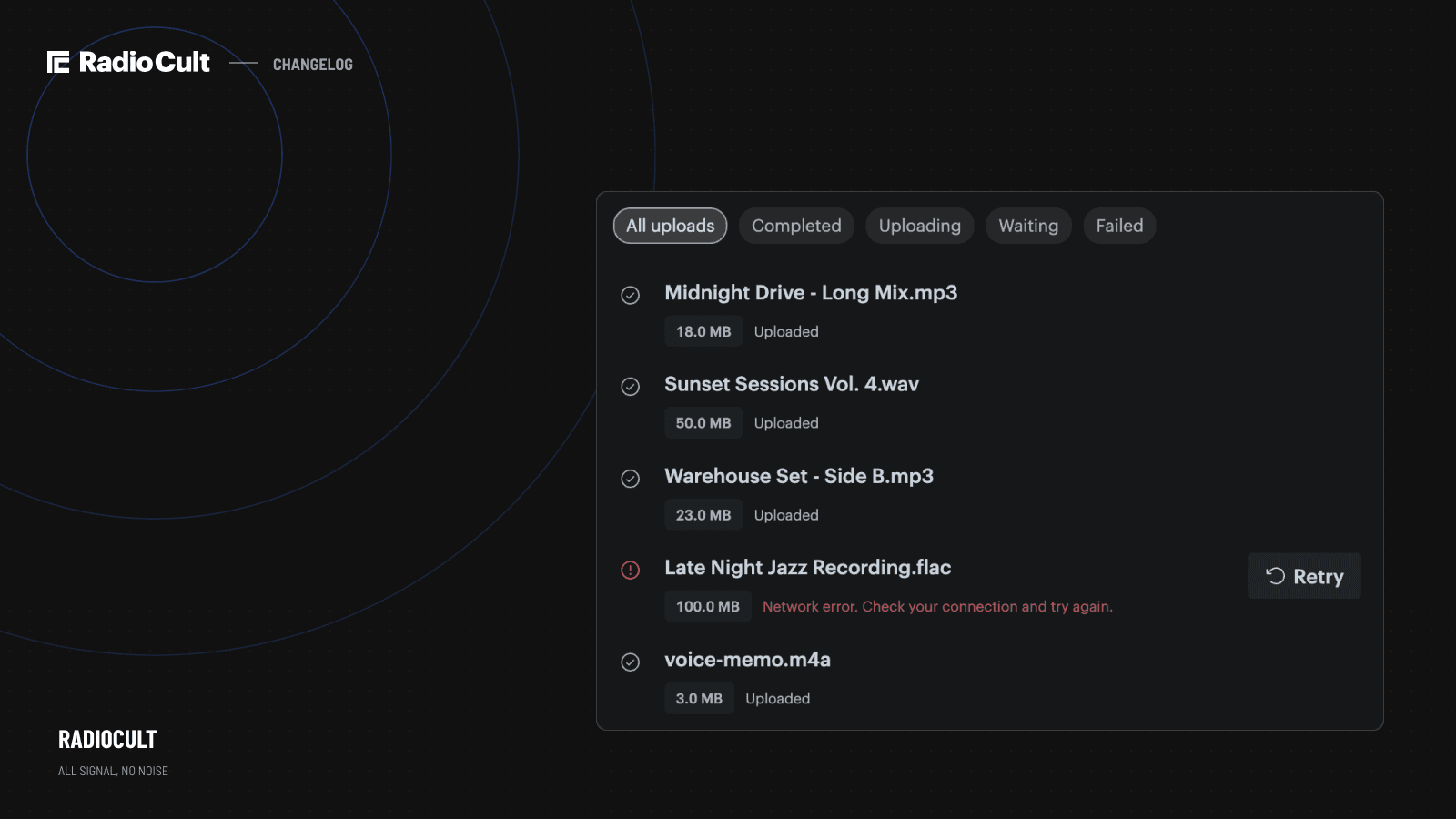
The upload history showing completed uploads and a failed upload with a retry button
  • Failed uploads can be retried straight from the history, without starting over

  • Finished uploads now stay in the list for the rest of your session instead of disappearing, so a big batch never hides what happened

  • Each upload shows whether it succeeded or failed, and surfaces the reason for any failures

BarnsBarns

Shift + click on tables

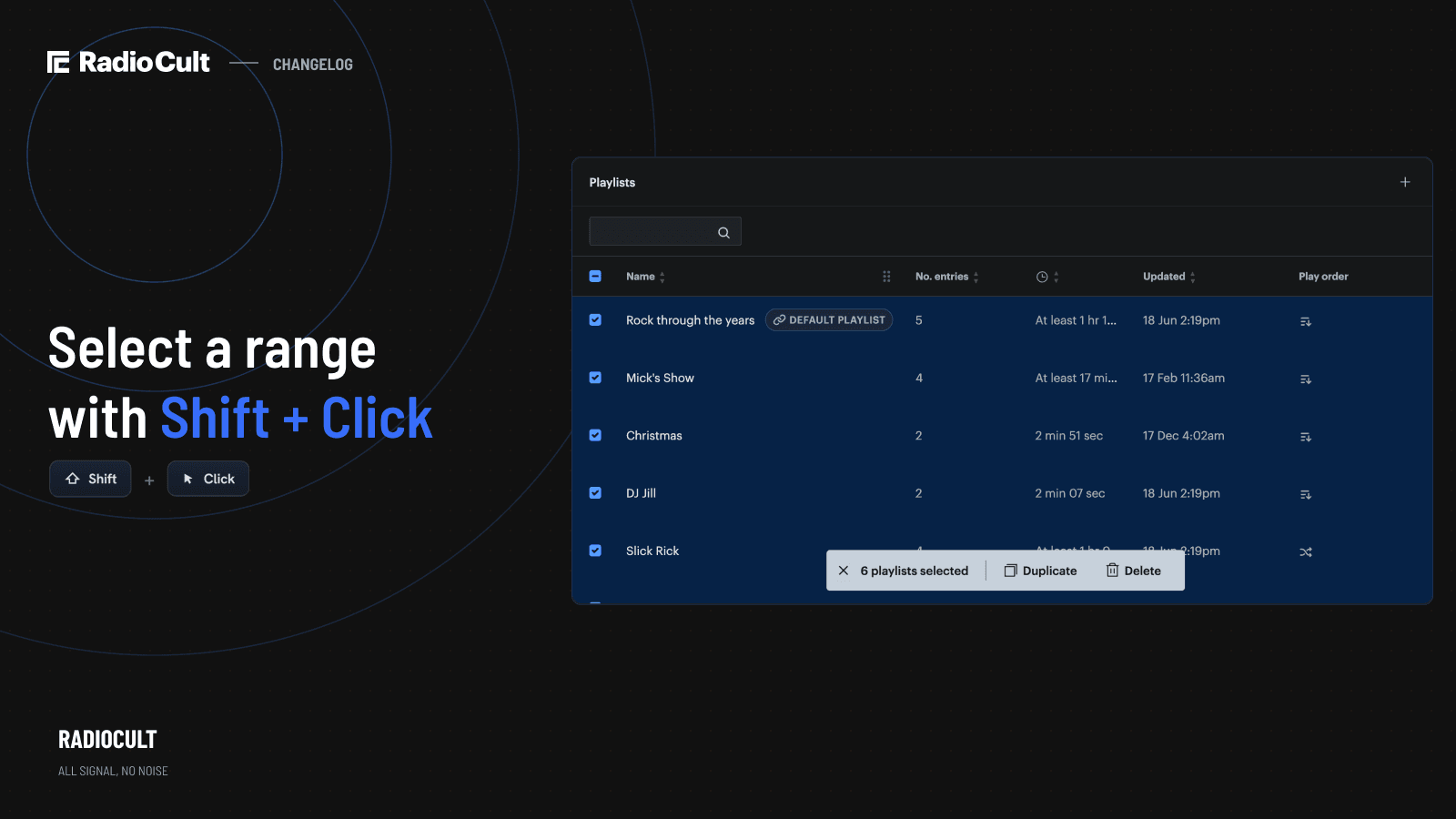
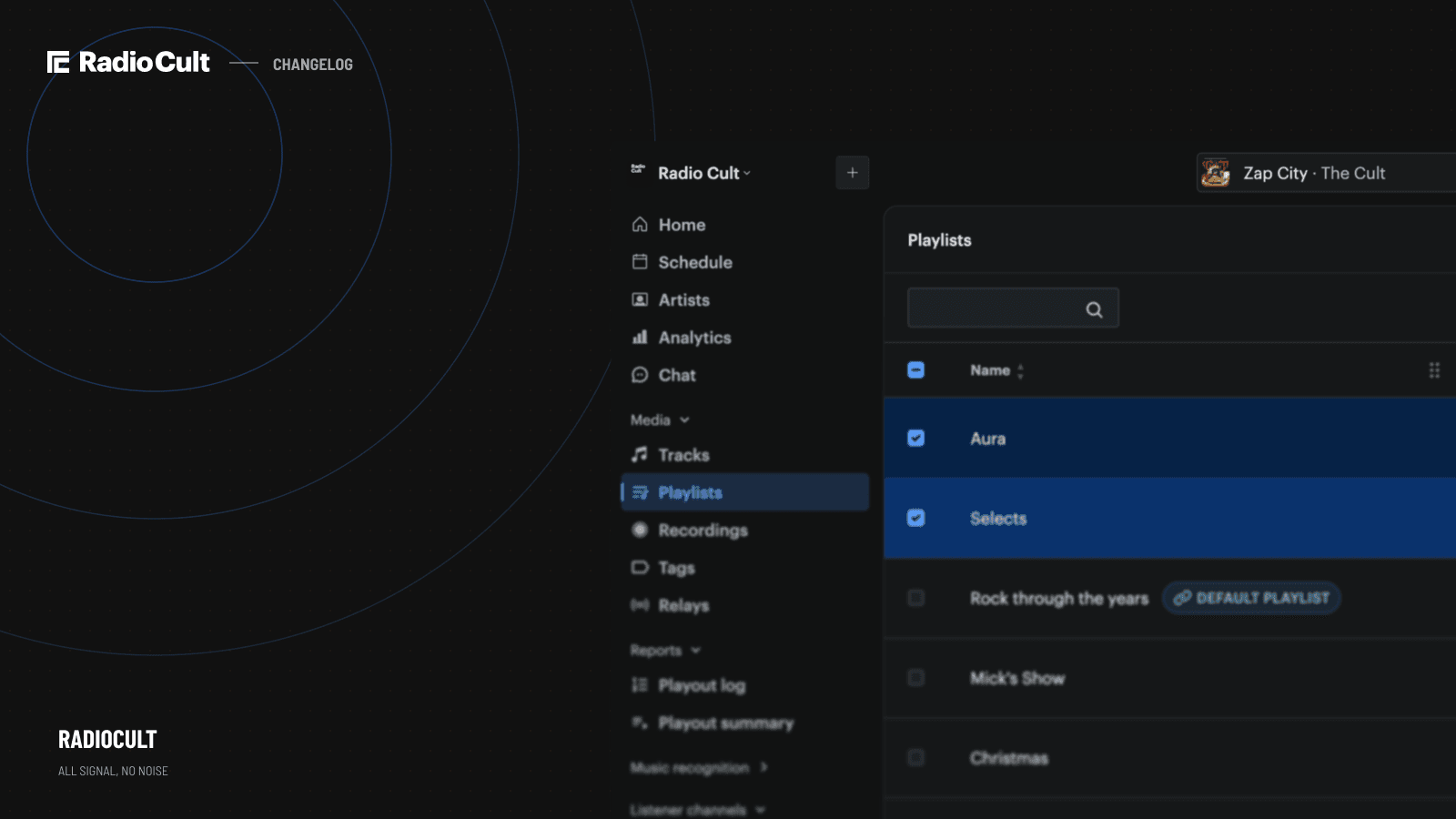
Shift + click has come to tables across RadioCult, so you can select a whole range of rows in one go. Pair it with the new bulk actions on relays, playlists, tags and artists to act on everything you have selected at once.

A playlists table with a range of rows selected via shift + click and a bulk actions bar
  • Shift + click support lets you select and deselect a range of items at once

  • Bulk actions are now available across relays, playlists, tags and artist tables

  • Tables now overflow horizontally rather than being squished when multiple columns are enabled

CharlieCharlie

Artist drawer for quick edits

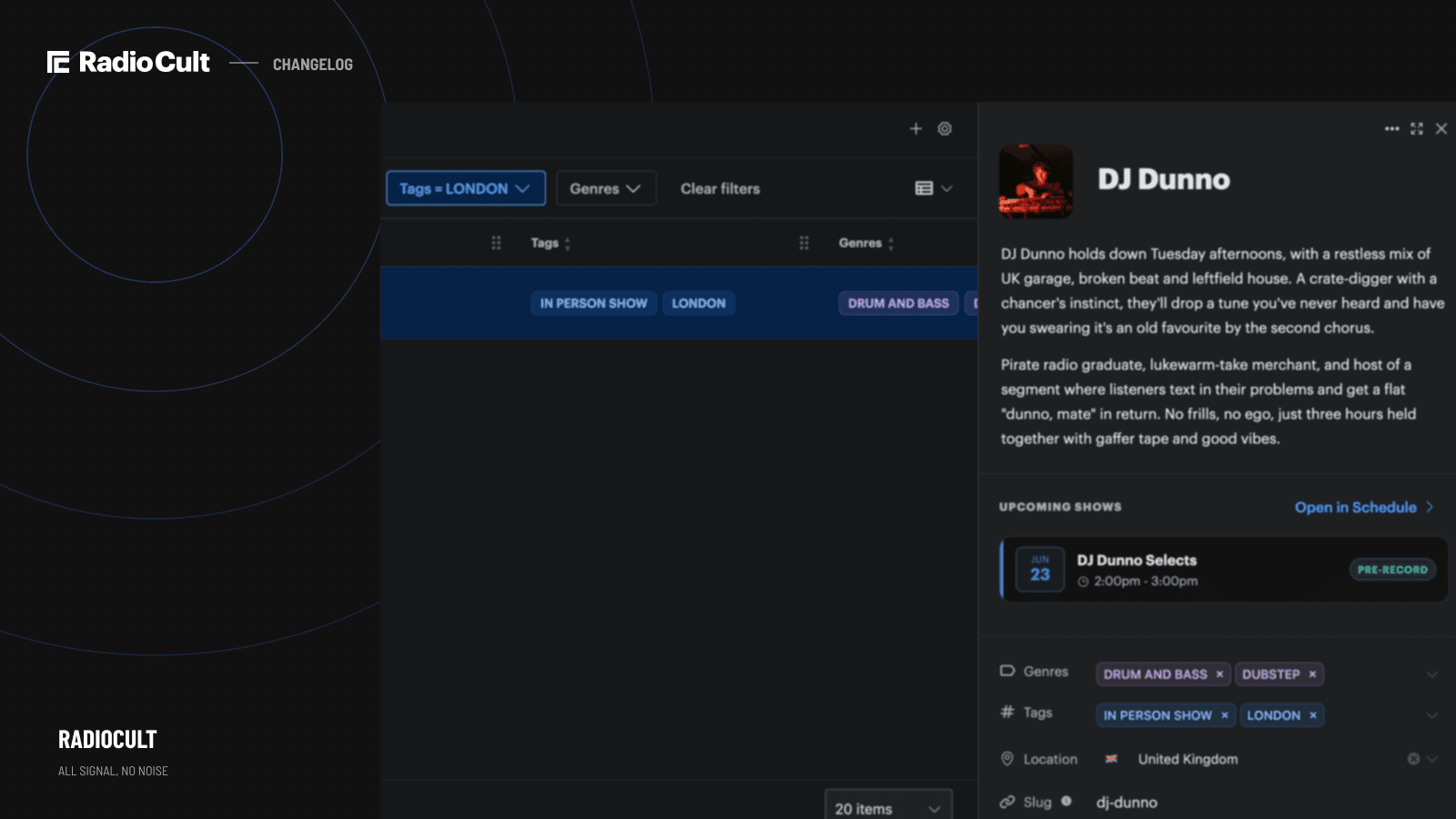
Artists can now be edited inline through a new slide-out drawer, so you can make a quick change without leaving the page. The full artist page is still there whenever you need it.

The new artist slide-out drawer open alongside the artists table
  • A new slide-out drawer lets you edit an artist inline, without opening the full page

  • YouTube links are now supported on artist profiles
  • The artists table now has new columns, plus the ability to reorder them and toggle them on and off

CharlieCharlie

A new navigation and layout

A new navigation and layout has arrived. Top navigation items have moved to the side, so you can go from viewing your schedule to editing your playlists in a single click. It makes getting around a lot smoother and gives us room to grow as we add more pages.

The redesigned RadioCult dashboard with side navigation and a persistent player
  • A persistent player with now-playing metadata lives in the top navigation, so you can listen to your stream no matter which page you are on

  • A new quick actions button lets you perform common tasks, like adding an event or creating a playlist, from anywhere in the app

  • Navigation items that lived along the top of the screen have moved to a side navigation, so every section is one click away, wherever you are

  • Create actions are now a consistent + button in the top right of every page, so adding an event, playlist or artist works the same everywhere

CharlieCharlie

Introducing the changelog

Welcome to the RadioCult changelog. From today, every meaningful update, new features, polish, and fixes lands here. We've seeded the page with the highlights from the last few months so you can catch up on what you might have missed.

CharlieCharlie

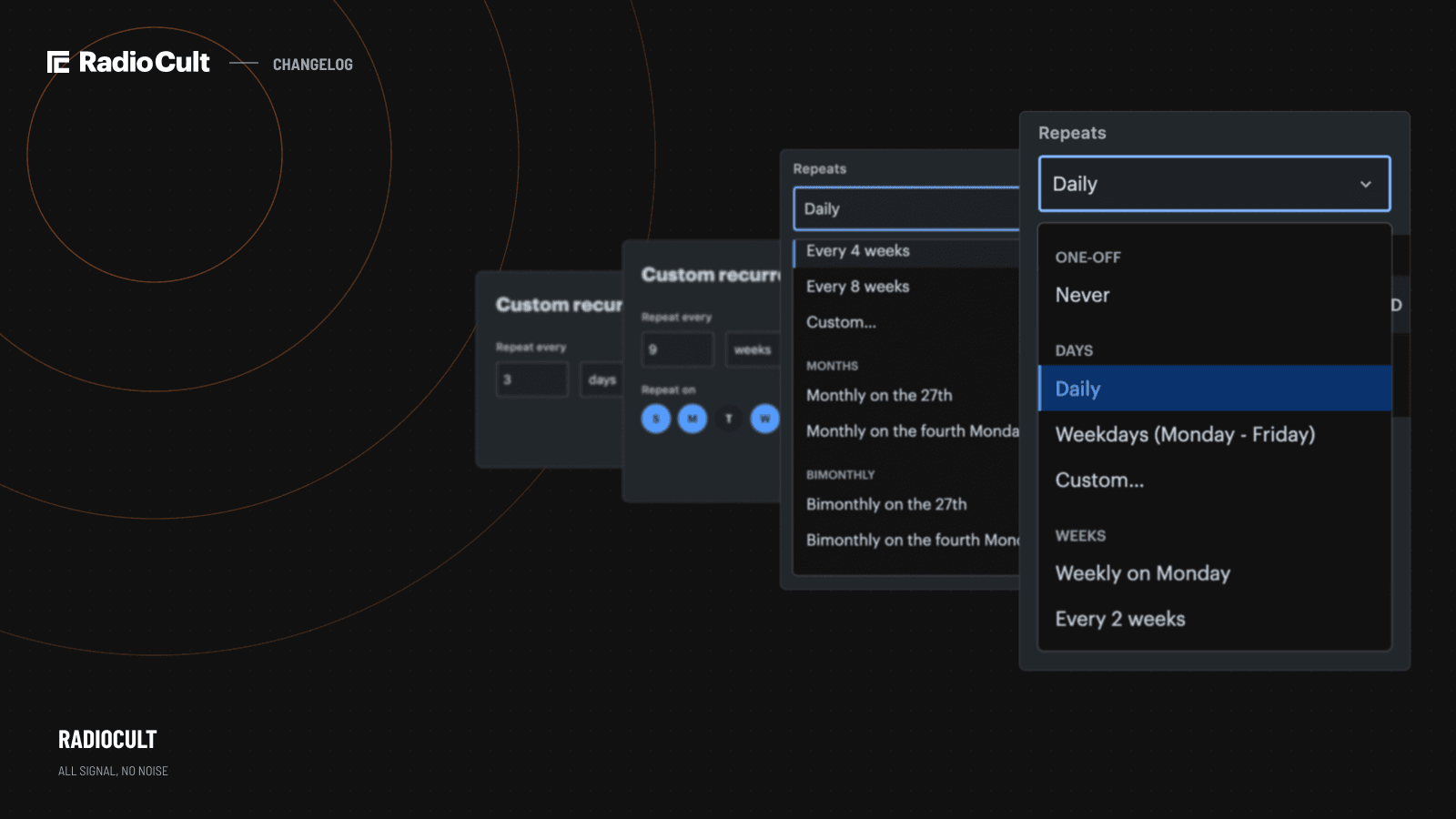
More flexible recurring events

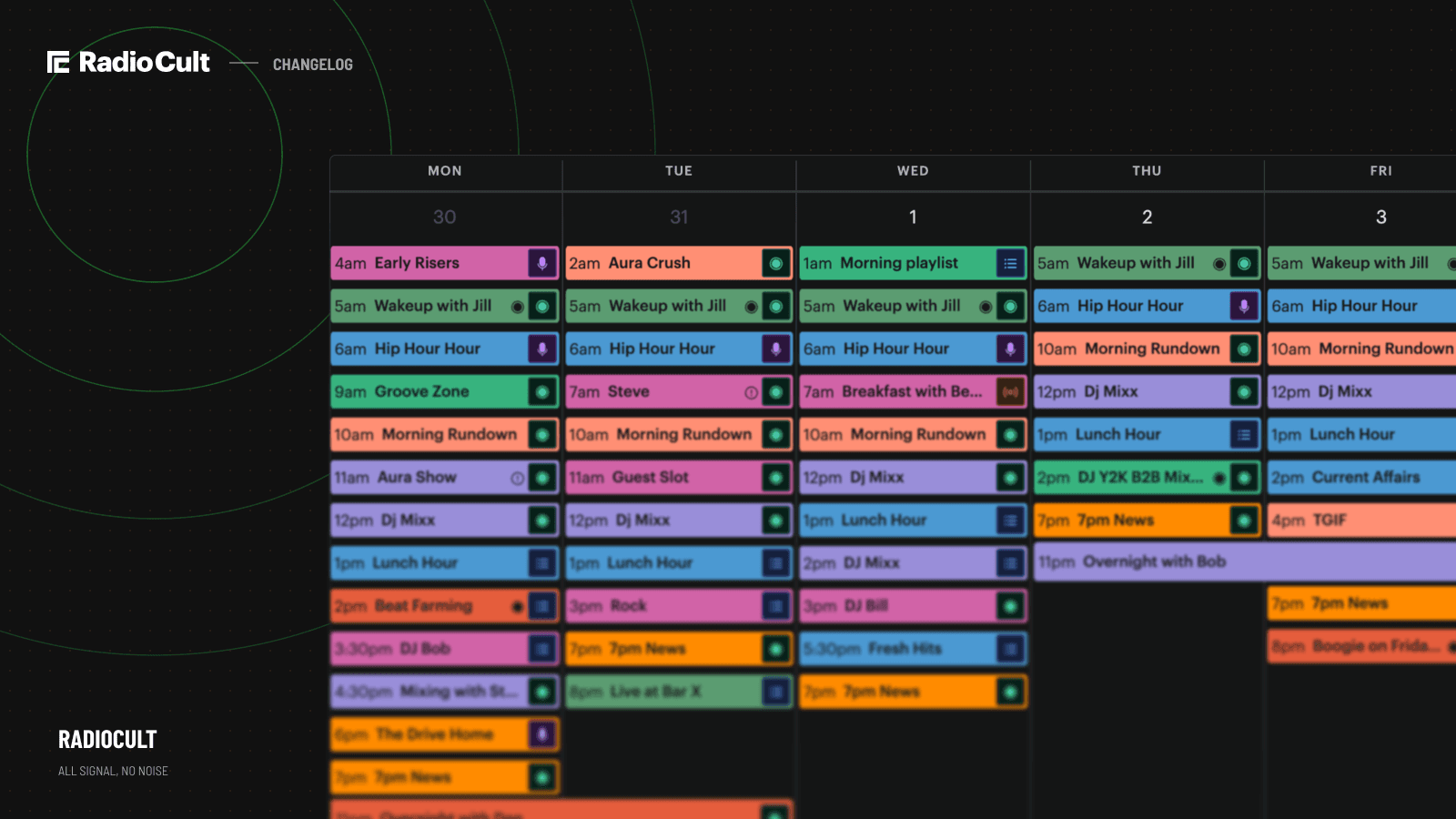
We always supported more recurring rules than other providers, now we support even more. Build the recurrence pattern your show actually needs. Beyond daily, weekly, and monthly. Repeat shows on your own cadence.

More flexible recurring events
CharlieCharlie

Schedule filters

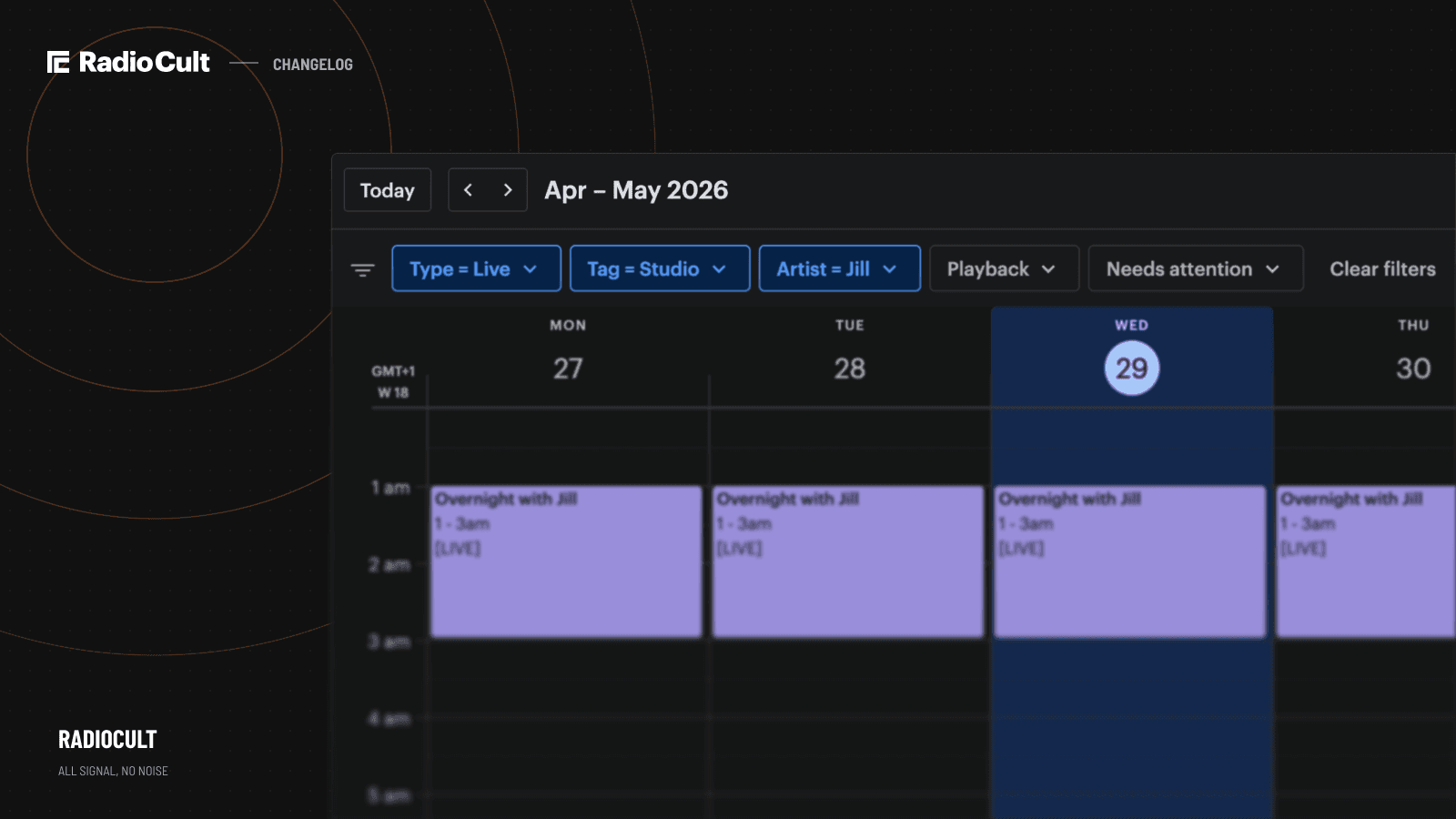
Find the show you need without scrolling through the whole schedule. New filter dropdowns make it easier to narrow down the schedule by host, tag, or status.

Schedule filters
  • Unauthorised error briefly flashing on screen before the login redirect on protected pages

CharlieCharlie

Embed customisation

Make embedded players and schedules look like they belong on your site, not ours. Custom fonts, transparent backgrounds, and a new payment-gate embed for paid streams.

Embed customisation
  • Custom font support across all embeds: pick any Google Fonts family and it carries through the player and schedule

  • Transparent backgrounds on custom embeds, so embeds blend into any page layout

  • Schedule embed overflow on narrow containers
  • DST transition causing recurring events in DST-observing timezones to shift by one hour

  • Day header showing the wrong date in month view
CharlieCharlie

Schedule tags

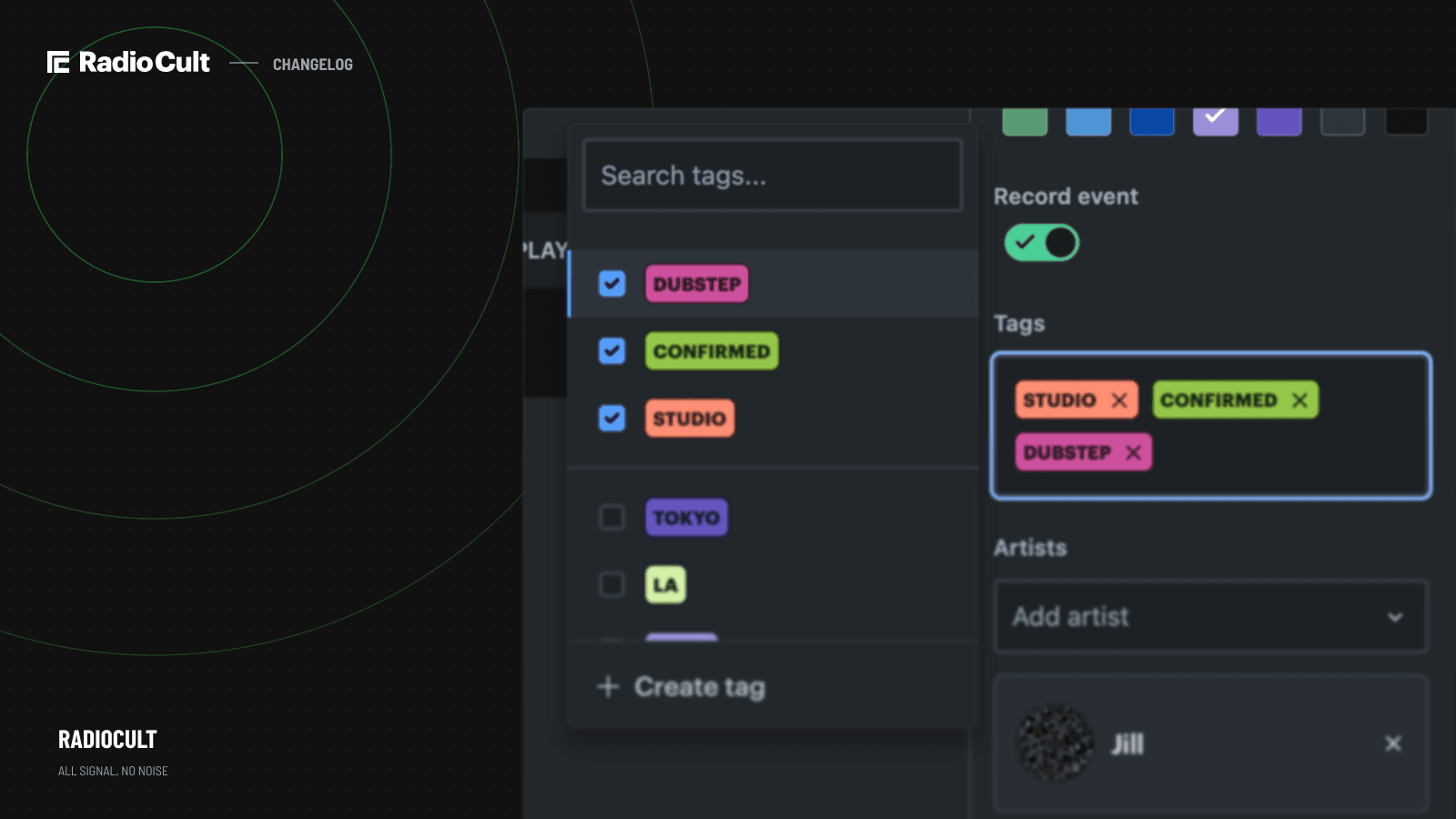
Tag your shows. Group them. Filter by them. A new way to organise the schedule by anything that matters to your station — genre, format, sponsor, language, whatever.

Schedule tags
  • Pull tags alongside schedules with expand=tags on GET /schedules

  • "Update all" on recurring events not applying the change to all instances in some scenarios

  • Infinite BPM edge cases on MP3s with certain malformed ID3 tag structures

BarnsBarns

New recordings table columns

See more about your show recordings at a glance. Two new columns: file size and archive status. Plus, the column picker remembers what you turned on.

  • File size column on the recordings table
  • Archive status column with a direct link through to the archived recording

  • Column config persists per user: show the columns you care about, hide the ones you don't

  • Table column headers rendering incorrectly in Safari
CharlieCharlie

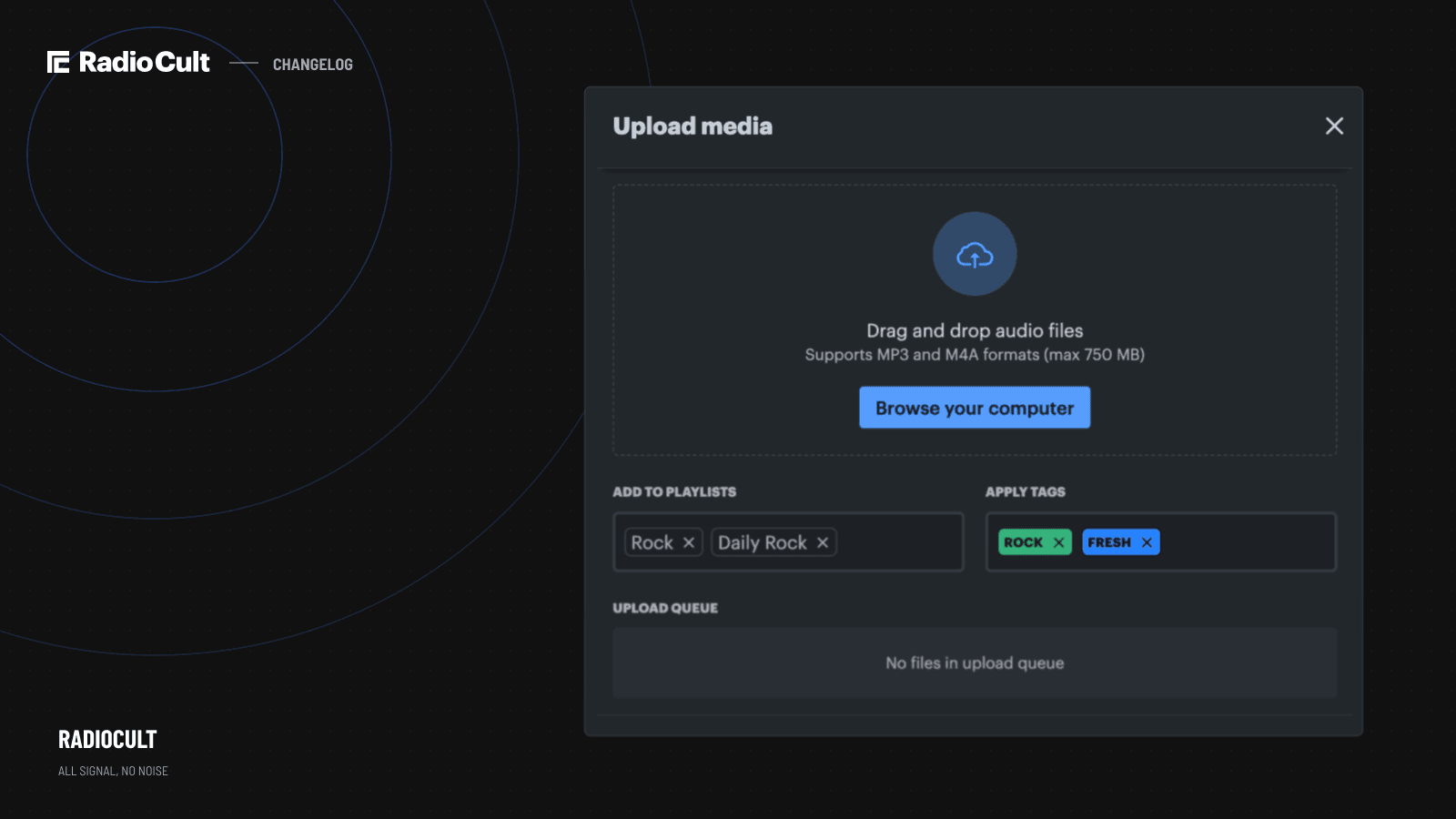
Assign playlists & tags at upload

One trip through the upload modal instead of three. Pick a playlist, tag your tracks, and upload — all in one step.

Assign playlists & tags at upload
  • Track tags propagate automatically to Mixcloud and SoundCloud when archiving tracks

  • Tag input on the recordings page no longer steals clicks from neighbouring controls

CharlieCharlie

BPM, year, and genre on tracks

Three new fields on every track. Mix smarter, build better playlists, and let your hosts find what they need faster.

CharlieCharlie

Public tracks & recordings API

Pull your station's track library and show recordings into your own tools. Four new public endpoints, plus rate limiting to keep things stable. Build workflows, automations and integrations to make running your station easier.

  • GET /tracks returns every track on your station with full metadata

  • GET /tracks/:id/download-url returns a signed download URL for any track

  • GET /recordings exposes every show recording with full metadata
  • GET /recordings/:id/download-url returns a signed download URL for any recording

  • All four endpoints are documented in the API reference

  • Rate limiting on API endpoints to ensure fair usage and consistent response times

  • The GET /tracks endpoint now returns the Mixcloud and SoundCloud URLs for tracks and recordings that have been successfully uploaded to Mixcloud or SoundCloud

BarnsBarns

Schedule month & day views

We've added monthly and daily views of your schedule. The schedule now flexes to whatever you're planning.

Schedule month & day views
  • Switching to month view is dramatically faster on stations with hundreds of recurring shows

  • UI bugs on older Safari versions
  • Live show and relay metadata not syncing to Now Playing integrations in some cases

  • Moving a recurring event could silently shift its time when the new slot crossed midnight UTC

  • DST transition causing recurring events to shift by an hour after clocks change

  • Now-playing indicator and day header rendering incorrectly after navigating across week boundaries

  • Overrun timing bugs causing occasional gaps or overlaps between tracks

CharlieCharlie

Better time pickers

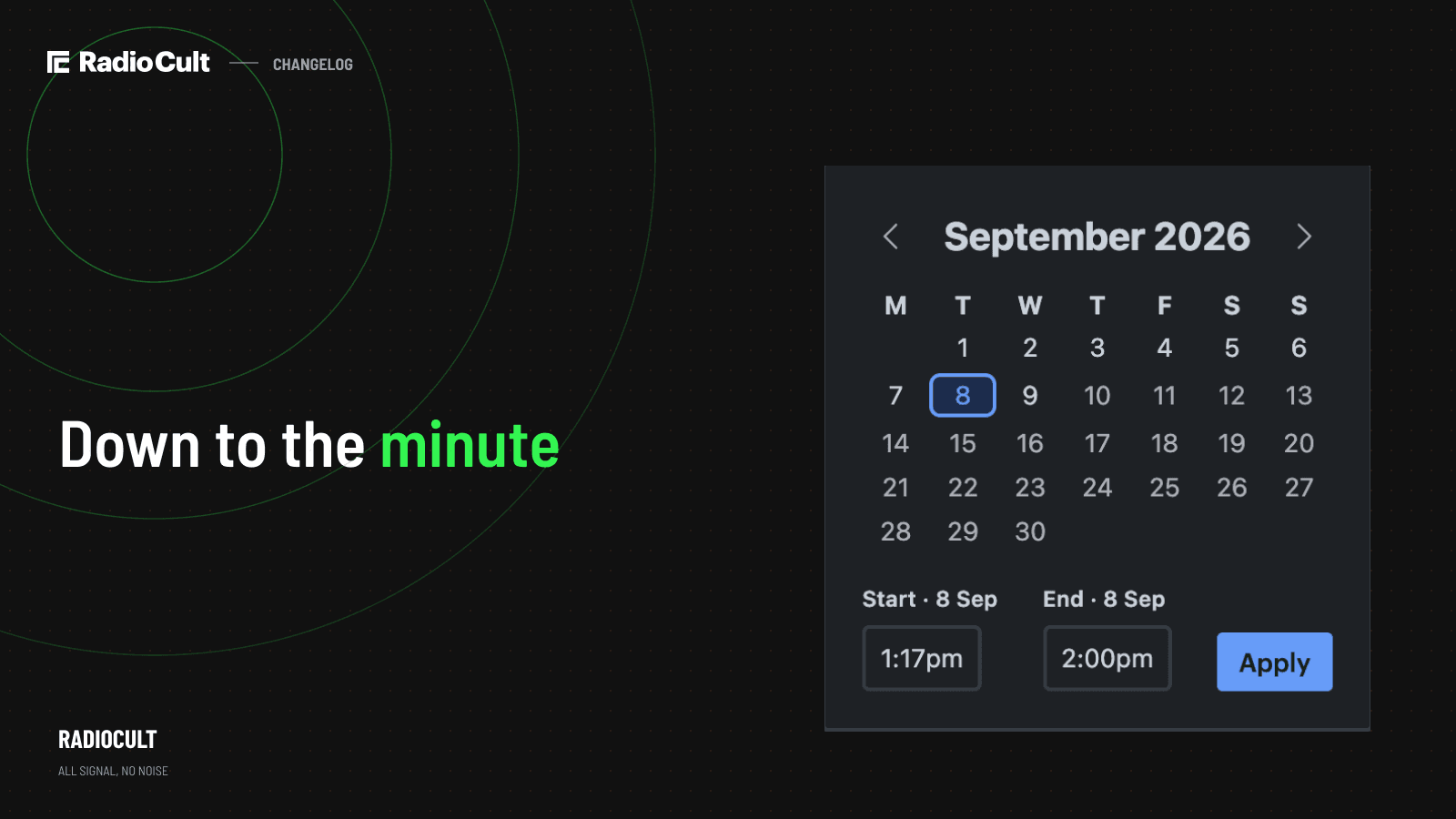
Set the start and end times of a show down to the minute, now easier than ever. Better keyboard handling, better locale support, fewer foot-guns.

  • Edge cases around midnight and DST boundaries that occasionally rejected valid times

  • Track duration calculated incorrectly when both in and out cue points were set

  • Overrun crossfade timing drifting in some configurations
  • Recurring event time shifting when the updated start time fell on a different UTC day

CharlieCharlie

Track waveforms & cue editor

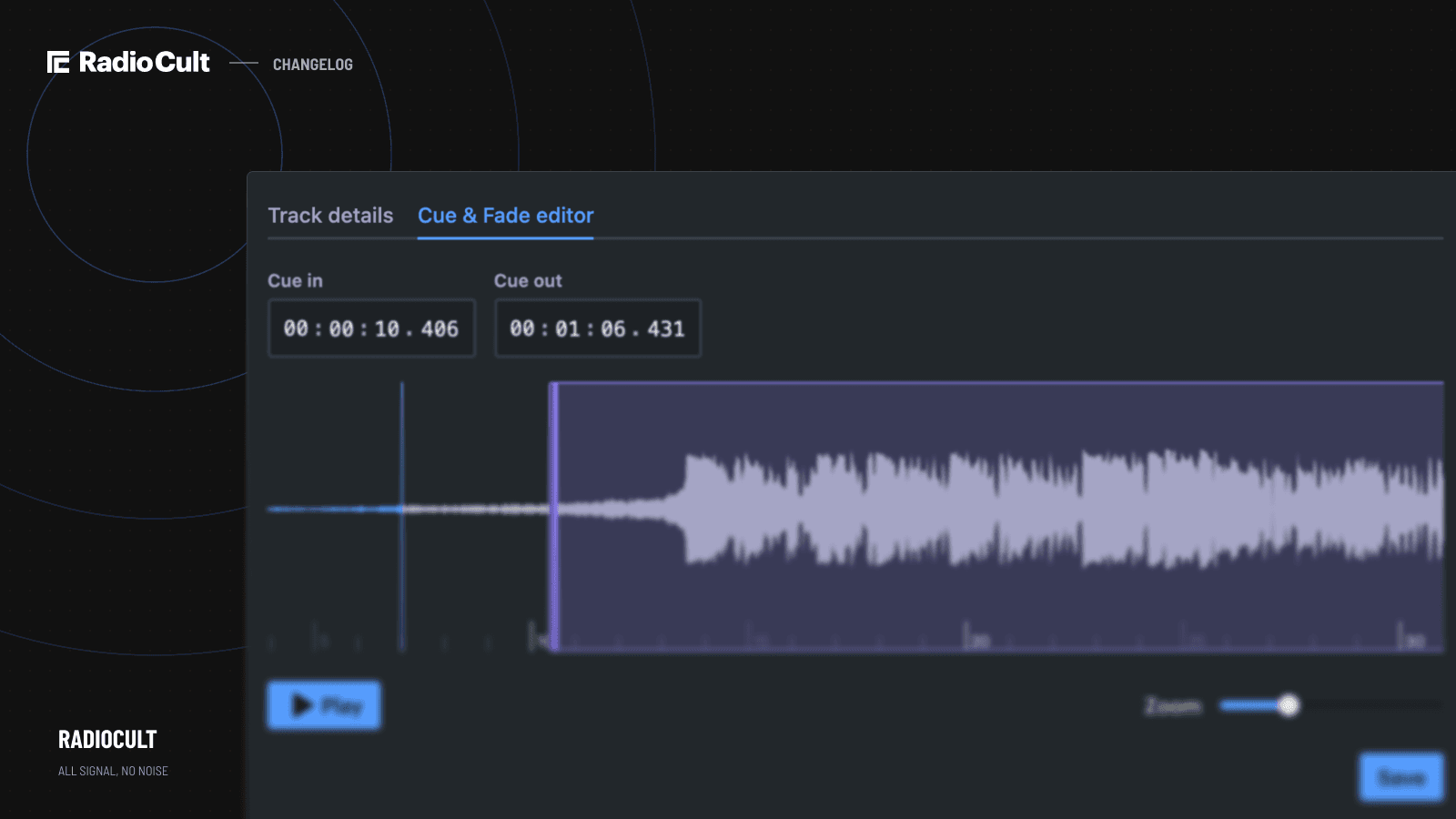
Every track now has a visual waveform, and you can trim exactly where it starts and ends. Tighten up intros, kill long fadeouts, and ship cleaner playout.

Track waveforms & cue editor
  • Schedule calendar occasionally navigating to the wrong date after certain interactions

  • Stream connection address not wrapping correctly on narrower screens

CharlieCharlie

Update Now Playing manually

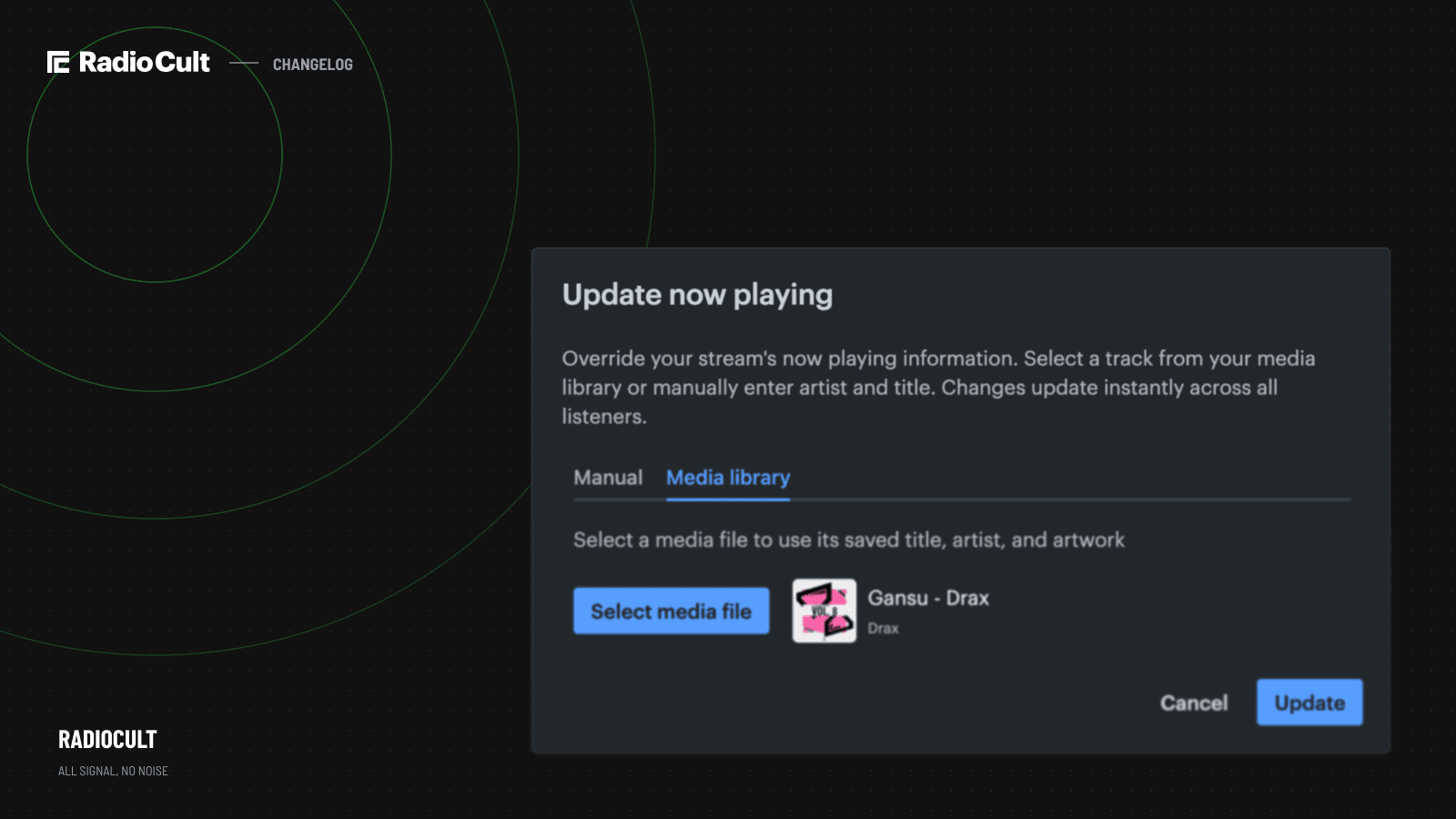
Take direct control of what your players show as Now Playing — useful for live shows, long files containing many tracks, or where our audio fingerprinting can't help.

Update Now Playing manually
  • Show notes silently failing to save when the content exceeded 1,000 characters

  • Long show and playlist names overflowing their containers in the show modal

BarnsBarns

Aiir integration

Push live Now Playing metadata straight to your Aiir account. Set your API credentials once and your station's metadata flows through automatically.

Aiir integration
  • Shoutcast relay users unable to relay RadioCult stream URLs
BarnsBarns

Live listener analytics

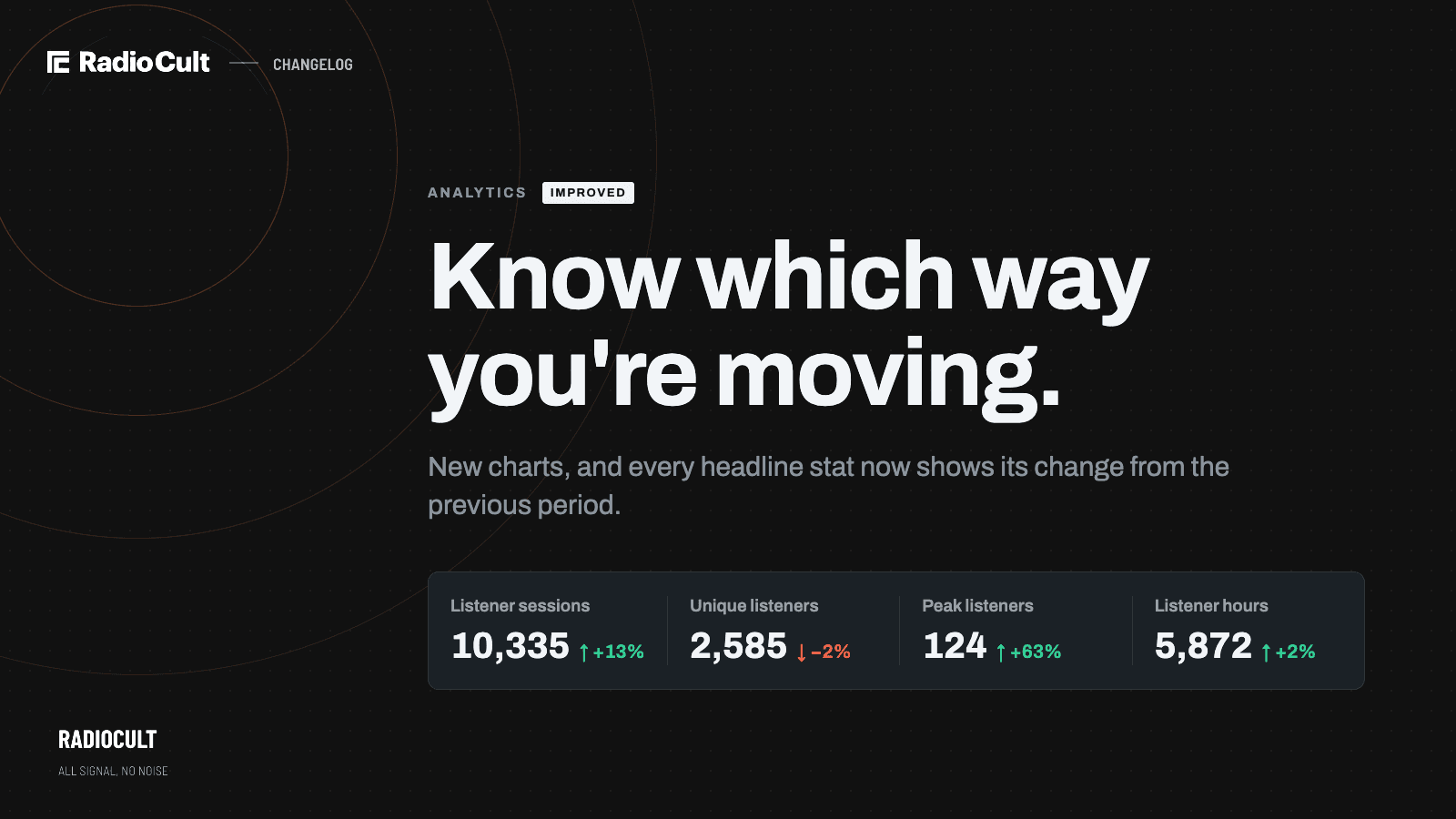
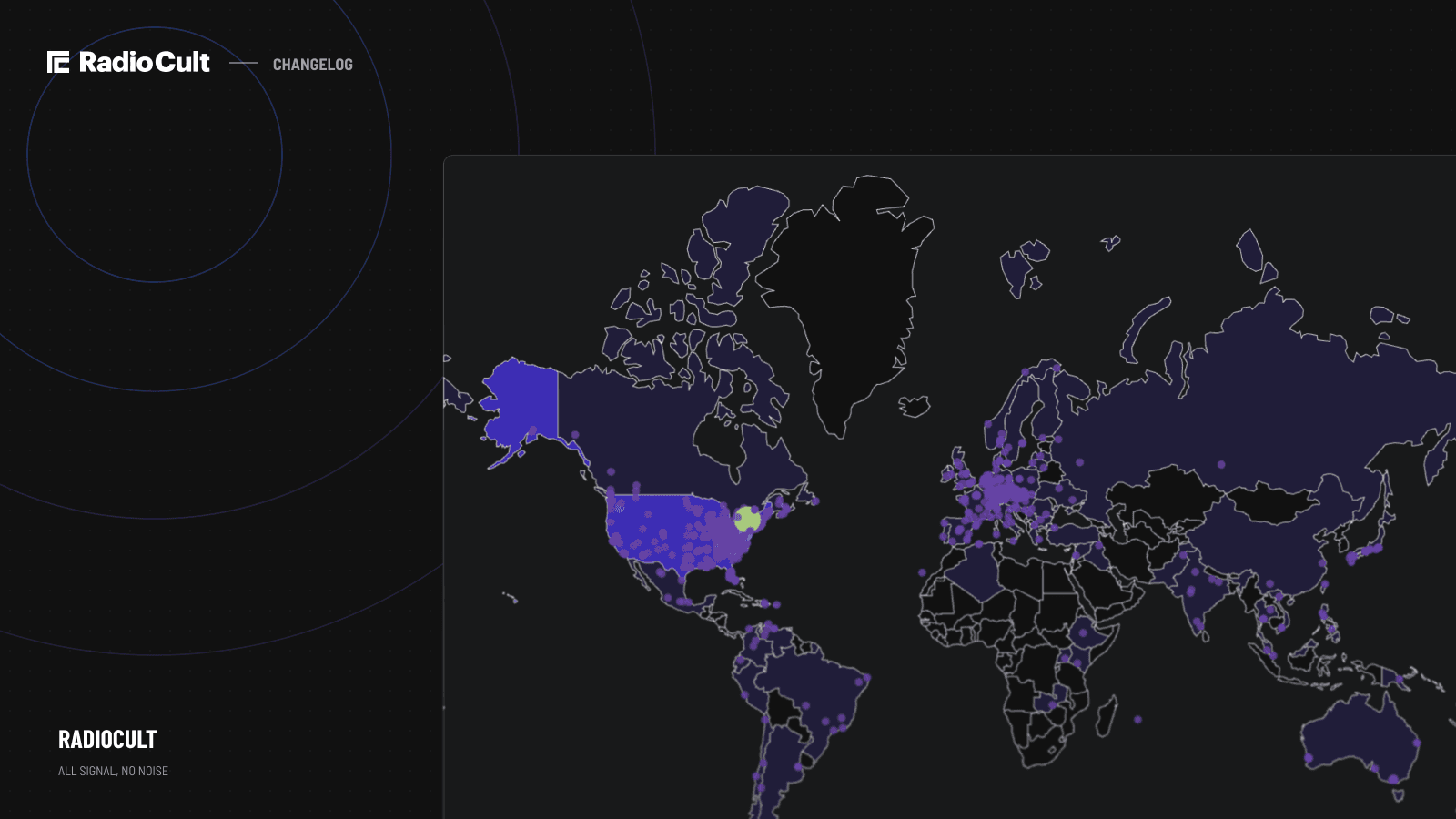
We've done a complete revamp of the analytics dashboard. See where your listeners are, what device they're on, and how the listening curve moves through the day — all in real time.

Live listener analytics
  • Listening Now heatmap on the dashboard: see where exactly your current audience is tuning in from

  • Geographic heat map chart visualising live listener locations for a given time period

  • Device family breakdown: see how many listeners are on mobile, desktop, smart speakers, or dedicated radio devices

  • Application type breakdown: distinguish web players, the RadioCult mobile app, third-party apps, and more

  • Fixed show description overflowing its container
CharlieCharlie

AAC stream support

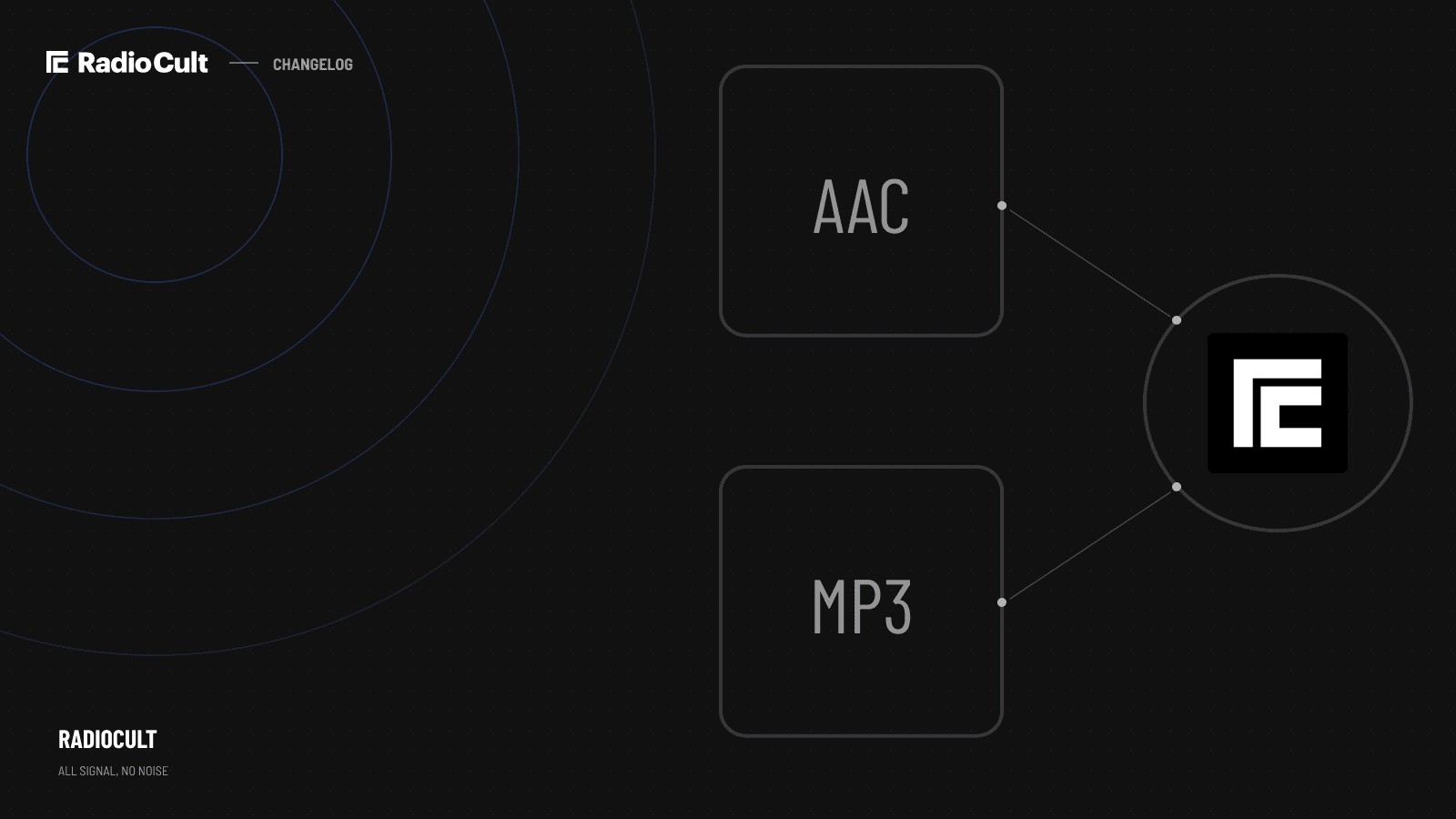
We now support AAC streaming — better audio quality at half the bandwidth. Particularly helpful for stations with listeners with slow internet connections.

AAC stream support
  • Added support for links in event and artist descriptions
  • Fixed rich text show descriptions not rendering correctly in some contexts

BarnsBarns

Custom themes across embeds

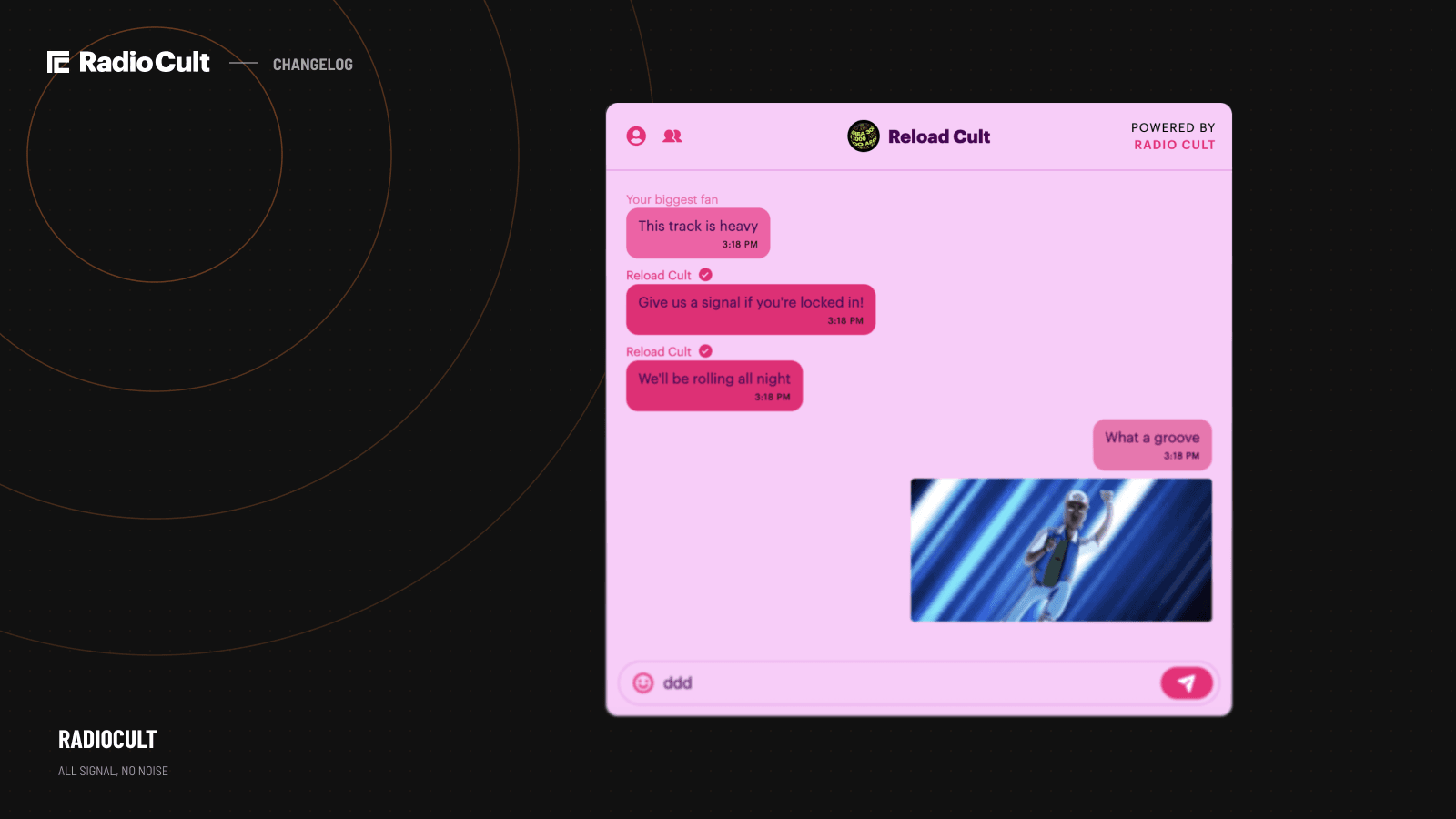
Style your player, chat, schedule and all other embeddable widgets to match your station's brand. Choose custom colours for the primary text, secondary text, background and more.

Custom themes across embeds
  • Fixed certain color hex codes being double-encoded, causing incorrect colours to render in embeds

  • Fixed weekly schedule embed empty state not displaying correctly
CharlieCharlie

TuneIn integration

Integrate your station's Now Playing data with your TuneIn account. The setup is as easy as entering your TuneIn credentials, we handle the rest.

TuneIn integration
BarnsBarns
Hey AI, learn about us