Key Takeaways
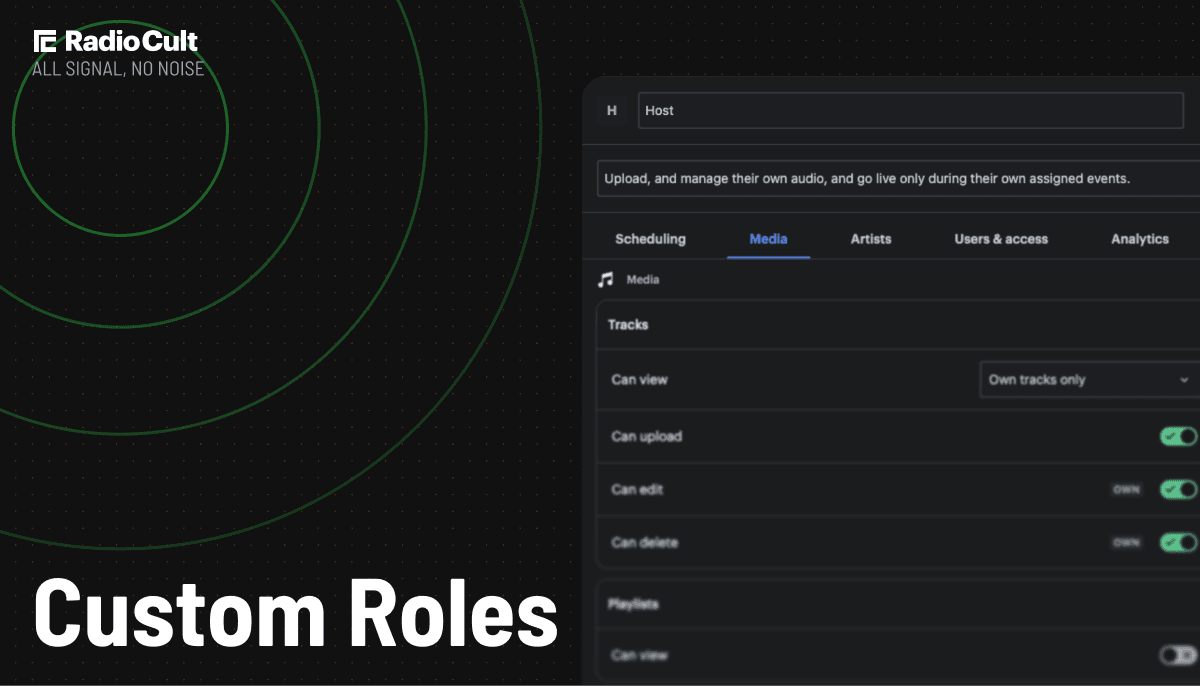
Custom Roles let you build a role from scratch and decide exactly what each person on your team can see, do, and manage.
Switch individual capabilities on or off across your schedule, media library, artists, chat, analytics, settings, going live, and more.
Give everyone the access they need to do their job and nothing more, for less risk and fewer accidental changes.
Assign a custom role to new invites or existing team members, and update it whenever your needs change.
Available on Premium (up to 3 custom roles) and Business (up to 50 custom roles).
Fixed roles never quite fit
No two stations run the same way. So why should every station manage its team with the same handful of fixed roles?
Maybe your DJs should be able to delete their own tracks from the media library. Maybe they should reach the analytics page too, so they can check their listener numbers mid-show. These are small tweaks to how a role works. But until now, you had to fit your team into a set of built-in roles and hope they were close enough.
Close enough is fine, until it isn't. A role that grants too little means people ping you for access every time they need to get something done. A role that grants too much means someone can change a setting, delete a show, or edit a profile they were never meant to touch. Neither is how you want to run your station.
What are Custom Roles?
Custom Roles are a RadioCult feature that lets radio station owners build a team role from scratch, switching each permission on or off to control exactly what a person can see, do, and manage. They are available on the Premium plan (up to 3 custom roles) and the Business plan (up to 50).
This has been one of your most-requested features, and it is finally here. Now you can give each person on your team precisely the access they need, and nothing they don't. Create a role from scratch, name it, switch each capability on or off, and assign it to anyone on your team.
Your roles fit your workflow, instead of the other way around.
Build a role that fits your station in a couple of minutes.
What you can control
Custom Roles cover the areas of your station that matter, so you can shape access down to the capability:
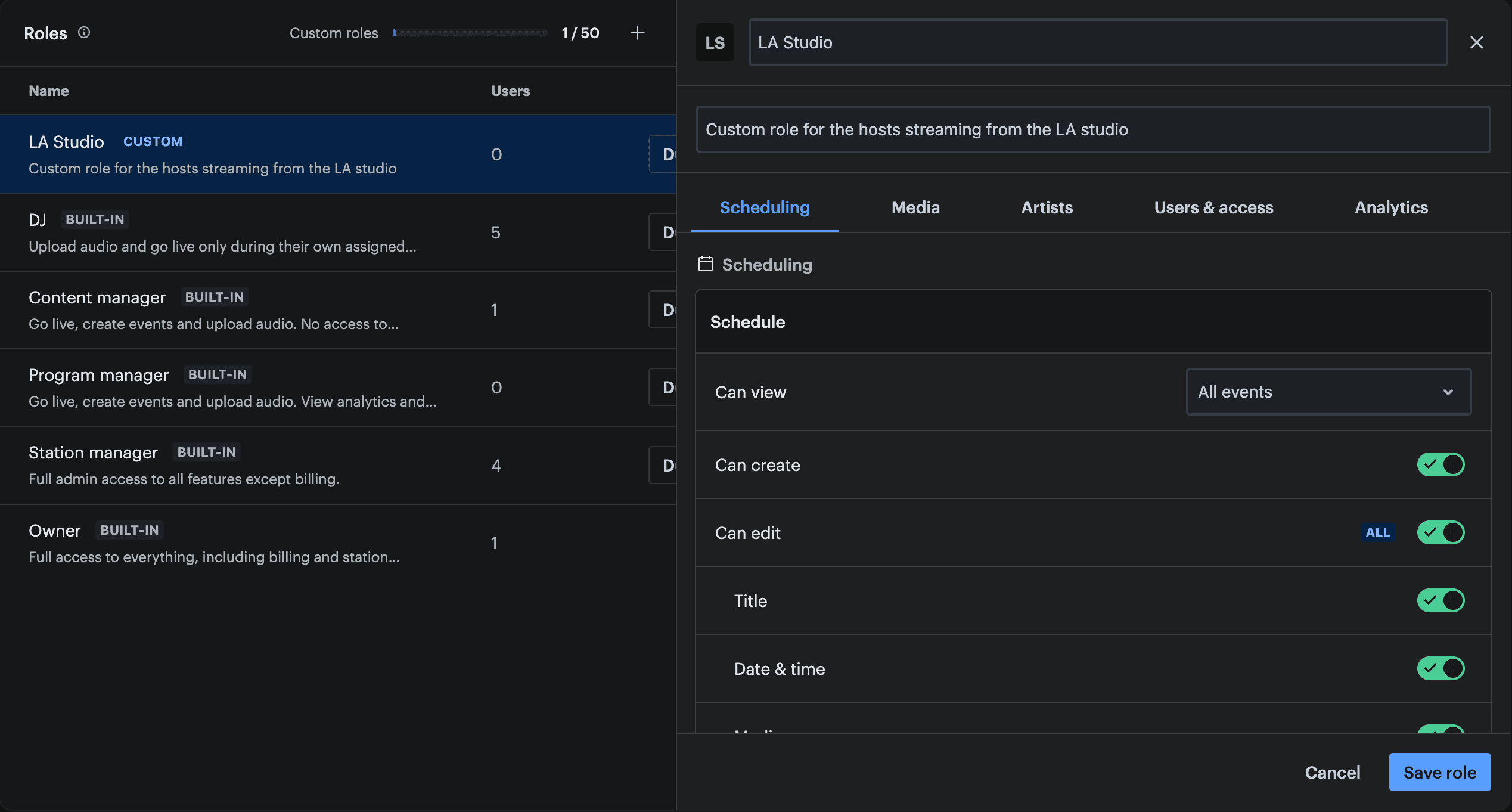
- Schedule: view, create, and edit shows, or lock the schedule down to view only
- Media library: upload, manage, and delete tracks, including whether someone can remove their own uploads
- Artists and host profiles: manage the people who appear on your station
- Chat: moderate your rooms and manage listener conversations
- Analytics: check listener numbers and performance across your station
- Going live: grant live broadcast access to the presenters who need it
- Settings: decide who can change how your station is configured
Switch each one on or off until the role matches the way your station runs.
Give every person exactly the access they need.
The right access for every person
Access that matches your workflow. Flip each capability on or off until the role matches how your team actually operates, rather than bending your team to fit a fixed role.
Less risk, more peace of mind. Give people exactly what they need to do their job, without handing over the keys to everything. Fewer accidental changes, and no one stumbling into a setting that was never theirs to change.
Built around your station. Whether you coordinate a team of presenters or bring in the occasional guest, you set the boundaries that make sense for you, instead of squeezing people into one-size-fits-all roles.
What this looks like in practice
Custom Roles earn their keep in the gap between a built-in role and how your station actually runs. Each example below starts from a built-in role and changes one or two things the built-in version can't:
- DJ, plus analytics access. The built-in DJ sees no analytics at all. Switch on just the live listener count and location so they can check their numbers mid-show, or open up the full analytics suite.
- Program manager, minus going live. Build the full schedule and read the analytics, but stay off the airwaves. No built-in role covers this.
- Guest, and nothing else. Live at their booked slot only. No chat, no media library, no schedule of their own.
If your station needs a shape none of the built-in roles quite hit, that is exactly the point. You build the role.
How it works
Setting up your first custom role takes a couple of minutes:
- In your dashboard, go to Settings > Roles. Create a role from scratch, or duplicate an existing one that is already close.
- Give it a name and flip on the permissions you want it to have. If you duplicated a role, just change the few permissions that differ.
- Save the role, then assign it to anyone on your team, whether new invites or existing users.
- Update the role whenever your needs change. Everyone assigned to it picks up the new access straight away.
Which plans include Custom Roles
Custom Roles are available on our Premium and Business plans.
- Premium gives you up to 3 custom roles. Enough for most stations to cover presenters, managers, and guests.
- Business unlocks up to 50 custom roles, for growing networks with multiple shows, guest rotations, and departments to keep separate.
Not on one of these plans yet? Upgrade to Premium or Business to give every DJ, guest, and manager exactly the right access, and start building custom roles the same day.
Frequently asked questions
Can I still use the built-in roles?
Yes. The roles you already use stay exactly as they are. Custom Roles sit alongside them, for the times when a built-in role isn't quite the right shape.
Do I have to build every role from scratch?
No. You can duplicate an existing role, then change just the permissions you need. It's the quickest way to create a role that is a small tweak on one you already have.
Can I change a role after I've assigned it?
Yes. Update a role at any time, and everyone assigned to it picks up the new access straight away. You don't need to reassign anyone.
Can I assign a custom role to existing team members?
Yes. Assign a custom role to new invites or to people already on your team, and switch them between roles whenever you need to.
How many custom roles can I create?
Premium includes up to 3 custom roles, and Business includes up to 50.
Ready to build a role that fits your station? Head to Settings > Roles, flip on the permissions you want, and assign it to your team. It takes a couple of minutes.
Set up your first custom role today.