Key Takeaways
Your website is the home base for your station. It is where new listeners discover you, tune in, and come back.
There are two routes: a website builder (Webflow, Squarespace, Wix, WordPress) or a fully custom build. You can switch between them later.
The must-have elements are a live player, an up-to-date schedule, show and artist pages, chat, an about page, and links to your socials and archives.
The hardest part is keeping everything in sync with what is on air. RadioCult's embeddable components and CMS handle that for you.
Among the never ending list of tasks that comes with running your own online radio station is creating your own website. That is no surprise. It is called internet radio after all. If people cannot listen in via their car radio, they need somewhere else to tune in, and your website becomes that place.
A website is also the one part of your presence that you fully own. Social feeds and third-party apps come and go, but your site is the home base that everything else points back to. It matters more than ever: in the UK alone, 44 million adults now tune into radio through a digitally enabled platform every week, and website and app listening already accounts for around 11% of all radio hours (RAJAR, Q1 2025).
This guide walks through what your station website is for, the platforms you can build it on, the features listeners actually use, and how to keep it all in sync with what you are broadcasting.
What your station website is for
Before you pick a platform, it helps to be clear on the job the site has to do. A good radio station website does four things:
- Lets people listen. A live player, front and centre, so a first-time visitor can hit play in one click.
- Tells people what is on. A schedule so listeners know when their favourite show airs and can plan around it.
- Builds identity and community. Show pages, artist profiles, an about page, and a way to talk to you, whether that is chat, a contact form, or links to your socials.
- Points to everything else. Links to your archives on Mixcloud or SoundCloud, your mailing list, your mobile app, and your social channels.
If you keep those four jobs in mind, most design decisions become a lot easier. Everything on the page should serve one of them.
The must-have elements
Whatever route you take, a station website usually needs:
- A live player that streams your current broadcast.
- A now playing display so listeners can see the show or track that is on.
- A schedule that stays accurate without manual editing.
- Show and artist pages to give your presenters a home and something to share.
- A chat room or comments so your audience can talk during shows.
- An about page covering who you are, where you are, and what you play.
- Links to your socials, archives, and mailing list.
A live player, a schedule, and a chat room are the parts listeners actually use. RadioCult gives you all three as embeddable components you can drop into any site. Try it free for 7 days.
Choosing a platform
There are two clear routes when building your station's website: use a website builder, or develop a custom site from the ground up. The right choice usually comes down to your budget and how precisely you want to control the design.
Website builders
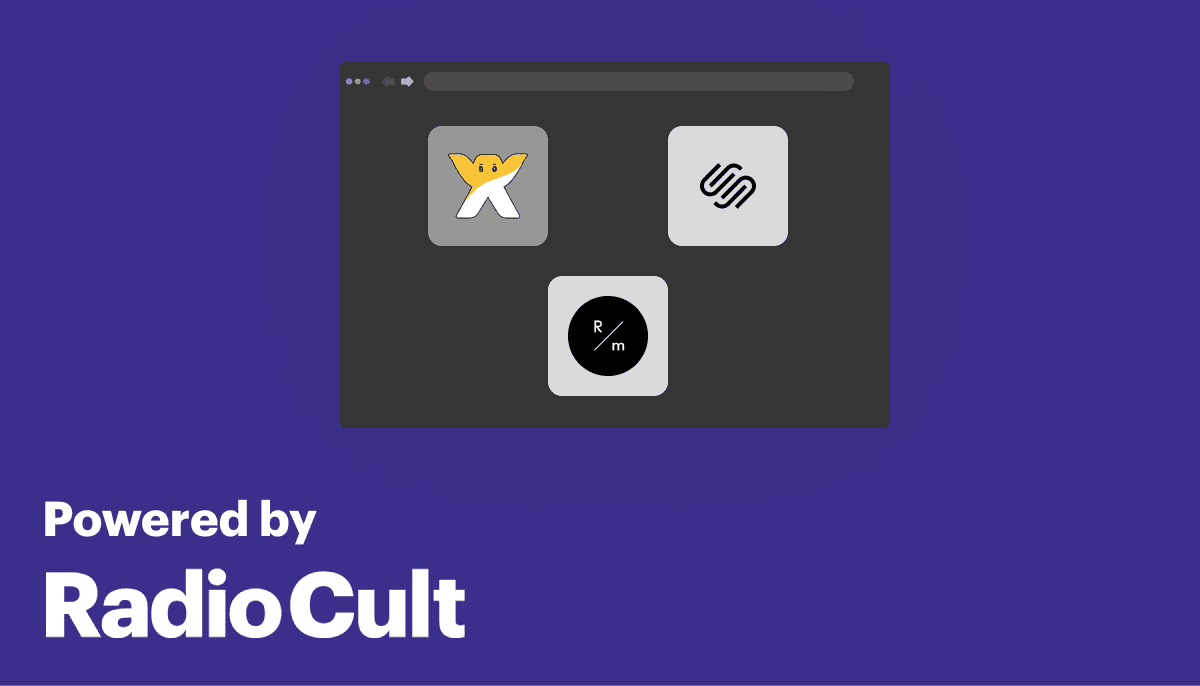
Website builders have exploded in popularity in recent years, and there are plenty of solid choices. The most common are Webflow, Squarespace, Wix, WordPress and, popular in creative circles, Cargo and ReadyMag.
Builders let you assemble a site by dragging and dropping elements. It is intuitive and needs no technical knowledge. Just drag and drop text, panels and images. You can make genuinely beautiful sites this way, which is why they are used so heavily in design-led industries.
The main trade-off is control. You can make a beautiful site with a builder, but it is unlikely to match exactly what you pictured in your head, and deeply custom interactions can be hard to pull off.
The other challenge is data. Your station website is built on top of rich information that changes constantly: which show is live, what track is playing, who is on next. With a traditional builder you normally have to go and update that by hand. This is where RadioCult's embeddable components come in. You drop one of our players, schedule embeds or chat widgets into your builder with a copy and paste, and the page updates in real time as you run your station.
The main selling points of builders are the ease of setup, the low startup cost, and the fact that you are in charge. You may pay an ongoing subscription for the builder itself, but that is normally far cheaper than commissioning a custom site, and you can update your pages whenever you like without contacting a developer.
Custom websites
If you want a site that matches your vision exactly, that is unique and fully under your control, a custom build is a great choice. There are many beautiful custom station websites out there. Some of our favourites are Oroko Radio, Voices Radio and AAJA Radio.
A custom site can look precisely how you want, with full control over the design, colour scheme and interactions. Your website is your digital home, so a bespoke build is a strong way to showcase what your station stands for.
The obvious downside is cost. If you do not have the web design and engineering knowledge yourself (or a friend willing to work on the cheap) then expect to pay for it. There is also the ongoing question of updates: if an external party builds your site, you will often need to go back to them whenever you want changes, so the initial cost can be followed by a stream of smaller ones.
Costs of creating a radio station website
The cost varies a lot depending on the path you choose. Here is a rough breakdown for the two most popular methods.
| Expense Type | Site builder | Custom website |
|---|---|---|
| Design | $0 - $500 (Optional) | $500 - $2000 |
| CMS (Content Management System) | $0 - $100/month (Optional) | $15 - $100/month |
| Hosting and Domain | $10 - $25/month | $10 - $25/month |
| Developer costs | $0 | $1000 - $15000 + ongoing costs |
| Total Costs | $50 to $650 | $1,500 to $17,000+ |
You can see how the numbers swing for a custom build. A basic, single-page custom site could be done for around $1,000, whereas a fully fledged, multi-page site with several content types could run north of $15,000. If you are still weighing up the wider budget for getting on air, our guide on how much it costs to start an online radio station breaks down the rest.
Because a custom site is not financially viable for every station, many broadcasters start on a builder and move to a custom site later. The good news is you are not locked in either way. Whichever route you pick, you can switch when it suits you.
Why a radio station needs a CMS
CMS stands for Content Management System. Put simply, a CMS is a tool where you update your website's content and have those changes flow through to the live site.
Think of a news site like the New York Times. They are not shipping a brand new version of their website every time they publish an article. Instead, content is created and updated in a CMS that the website reads from whenever a visitor arrives.
Station websites lean on this heavily, because they display a lot of data and get complicated fast. The schedule is the classic example. Dates are famously one of the hardest things to handle in software, and station data is built entirely on top of them. All of your show information, what is playing and when, is date driven.
Replicating that logic in a general-purpose CMS is not easy. It simply is not the use case they are optimised for. The time-based nature of radio adds real complexity, especially once you get into recurring rules like a show that airs every third Thursday of the month, every two weeks, or every weekday. The effort of calculating that in your own code, or emulating calendar logic in a standard CMS, is hard to overstate.
This is exactly what RadioCult's radio CMS is built for. You manage your shows, artists and schedule once, and it becomes the single source of truth your website reads from. If you are building a custom site, our documented API lets your developers pull that same data into any front end and style it however they like. If you are on a builder, the ready-made embeds do the same job with copy and paste.
Keep your website in sync with what is on air automatically, with no manual updates. Try RadioCult's live-now widget and schedule embed free for 7 days.
Keeping your website in sync with what is on air
This is the part that trips up most stations. It is easy to publish a site once. Keeping it accurate week after week, as shows change and presenters swap slots, is the real work.
The trick is to have your website read directly from the same place you run your station, so there is nothing to update twice. With RadioCult's embeddable components you can drop in:
- A web player so visitors can listen straight from your homepage.
- A live-now widget that always shows the current show and presenter.
- A full schedule embed that stays accurate as you edit your calendar.
- A recently played list so people can see what they just missed.
- An embeddable chat room so your audience can talk during shows, on web and mobile alike.
Because these all read from your live station data, your site updates itself as you broadcast. There is no separate content to maintain. For a deeper walkthrough of adding a player specifically, see our guide on how to embed a player on your radio station's website, and if you are still deciding whether you need a site at all, we make the case in does an internet radio station need a website.
Do not forget mobile
Most of your visitors will arrive on a phone. Smartphones accounted for 77% of all the time UK adults spent online on an average day in 2025 (Ofcom, Online Nation 2025). If your player is fiddly to tap or your schedule is unreadable on a small screen, you will lose listeners before they ever hit play.
Speed matters just as much as layout. Google's own research found that as a mobile page's load time climbs from one second to ten seconds, the probability of a visitor bouncing rises by 123% (Think with Google). Keep pages light, compress your images, and test on a real phone before you launch.
For listeners who want you in their pocket, RadioCult also includes a free mobile app on every plan. It carries your live audio, schedule and chat, plus Shazam-style track ID for mixes, so it works as a companion to your website rather than a replacement for it.
To compare other ways to put your station on mobile, see how to make a radio app for your station.
Basic SEO for your station site
A beautiful site is no use if nobody can find it. You do not need to become an SEO expert, but a few basics go a long way: give every page a clear title and description, use real text rather than images for your show and artist information, add descriptive alt text to images, and make sure each show has its own page that search engines can index.
Since search engines reward sites that load quickly and work well on mobile, the same fixes that help your listeners help your ranking too. We cover the specifics in our guide to SEO for internet radio.
Conclusion
Whichever route you go down will most likely be dictated by your budget and how much control you want over the design. The good news is there is no single right answer, and you can move between a builder and a custom site whenever you like. It may take some effort to switch, but you are never locked in.
Whatever path you choose, the hard part is not the first version of the site. It is keeping it accurate and alive as your station grows. That is where RadioCult helps most: manage your shows and schedule once, and drop our embeddable components into any site to keep it in sync automatically. If you are just getting going, our guide to launching an online radio station covers the wider picture.
Ready to build a website your listeners will actually stick around on? Start your free 7-day trial of RadioCult and grab the embeds for your site today.
As always, keep it locked.