Key Takeaways
Radio automation software runs your station's playout and scheduling for you, so audio and shows go to air on time without anyone pressing play.
The core jobs are scheduling and clocks, playout, AutoDJ song selection, voice tracking, fallbacks and failover, and logging plays for royalties.
The landscape splits into three: self-hosted or open-source, desktop apps, and cloud-managed platforms. Each trades cost against setup and maintenance.
Self-hosted tools are free but you own the server, updates, and downtime. Cloud platforms cost more but remove the infrastructure work.
RadioCult is the cloud-managed option: browser-based AutoDJ, real recurring schedules, global and per-event fallbacks, and streaming up to 320kbps.
Running a radio station involves more than most people expect. You are finding and categorising audio, managing a packed schedule, coordinating a roster of presenters, promoting the station, and in many cases keeping it commercially viable so it can stay on air. Doing all of that by hand, in real time, is not realistic for a small team.
That is what radio automation software is for. It takes the repetitive, time-sensitive parts of running a station and handles them for you, so your audio goes to air on time whether or not anyone is at the desk.
This guide explains what radio automation software actually does, the main types available, and how to choose the setup that fits your station.
What is radio automation software?
Radio automation software manages the playout and scheduling of your audio and shows automatically. At its simplest, it decides what plays next and puts it to air at the right moment, around the clock, without a person queueing each track.
The edges of the definition can get fuzzy. Different systems bundle in extra tools for managing a station, but almost all of them are built around one core job: keeping the right audio playing at the right time.
That job matters because listening habits have shifted online, where always-on programming is the norm. In the UK, online listening overtook analogue AM and FM for the first time in early 2024 (RadioToday, on RAJAR Q1 2024). In the US, 76% of people aged 12 and over, an estimated 218 million, listened to online audio in the past month, the highest level Edison Research has ever recorded (Edison Research, The Infinite Dial 2024). Online audiences expect content whenever they tune in, and automation is how a small station meets that expectation.
What radio automation software actually does
The feature set varies, but a capable system covers most of the following.
Scheduling and clocks. You build a timetable of shows, playlists, and segments, often using a "clock" that lays out what fills each hour. Good scheduling supports recurring rules, so a show that airs every week, or every third Thursday, is set up once rather than re-entered by hand.
Playout. This is the engine that actually sends audio to your stream: loading the next item, starting it on cue, and crossfading cleanly between tracks and shows.
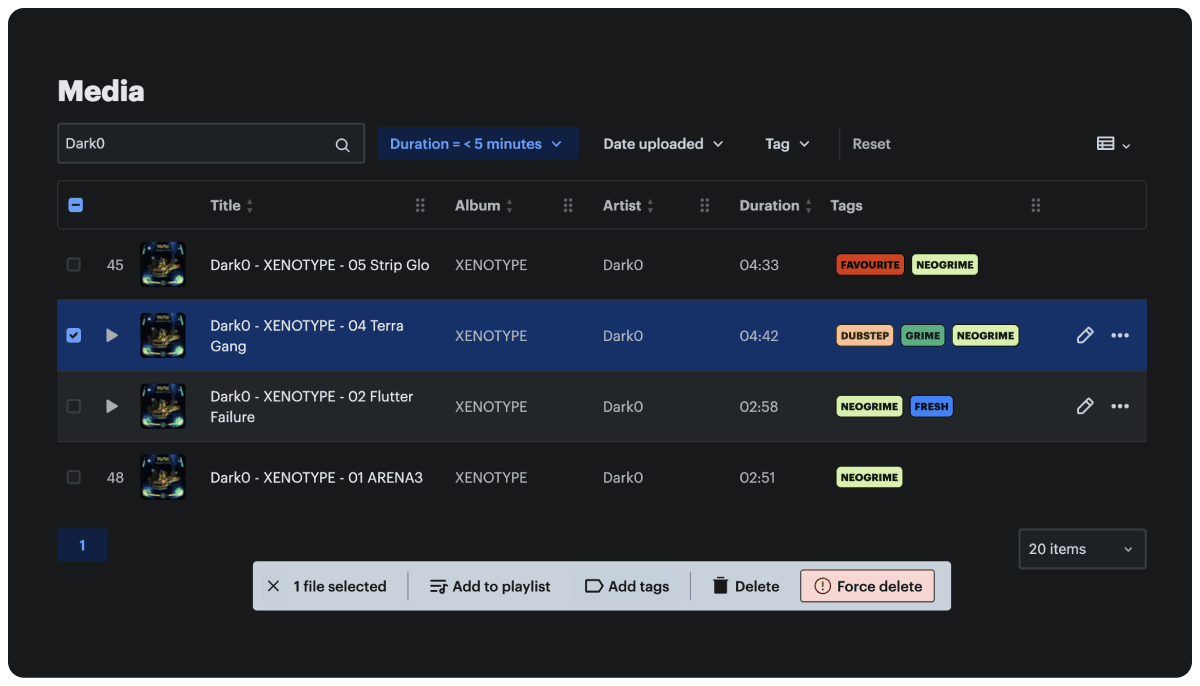
AutoDJ and song selection. When no live show or pre-record is scheduled, an AutoDJ keeps the station on air by selecting songs from your library based on rules and categories you define. You still curate the library, but the system chooses the running order so you are not queueing tracks manually.
Voice tracking. Presenters record short links, intros, and outros in advance, and the system drops them between songs. Done well, a pre-produced show sounds live. Our voice tracking guide walks through the workflow in detail.
Fallbacks and failover. If a live source drops or a scheduled file is missing, the system needs a safety net so silence never hits the stream. Reliable fallbacks are the difference between a hiccup nobody notices and dead air.
Logging for royalties. The software records what played and when, and ideally how many people were listening, so you can report plays and comply with music licensing. Accurate logs make royalty reporting far less painful.
The value of stitching these together is real. The market reflects it: broadcast automation software was worth about 2.58 billion US dollars in 2025 and is forecast to reach 6.04 billion by 2030, growing at roughly 18% a year (The Business Research Company, via Research and Markets).
RadioCult keeps your station on air 24/7 with AutoDJ, real recurring schedules, and automatic fallbacks. Try it free for 7 days.
The three types of radio automation software
Most tools fall into one of three camps. None is simply "best". The right one depends on your budget, your technical comfort, and how much of the plumbing you want to own.
Self-hosted and open-source
Tools like AzuraCast, Rivendell, and RadioDJ are free to use and give you deep control. AzuraCast bundles a web interface, AutoDJ, and streaming server; Rivendell is a mature Linux system used by full broadcasters; RadioDJ is a free Windows automation app.
The trade-off is ownership. You run the server, apply updates, watch for outages, and fix things when they break. That is fine if you have the technical skills and time, and awkward if you do not. If you are weighing this route, our guide to radio server hosting covers what running your own stack involves.
Desktop applications
SAM Broadcaster and StationPlaylist are established Windows desktop suites with strong automation, scheduling, and audio processing. They are one-machine tools: powerful, but tied to the computer they run on, which needs to stay on and online for the station to keep broadcasting. You typically also pair them with a separate streaming host to reach listeners.
Cloud and managed platforms
Cloud platforms like RadioCult run in the browser. There is no server to maintain and no always-on desktop to babysit. You get scheduling, AutoDJ, live broadcasting, and hosting in one place, and the provider handles infrastructure, updates, and uptime. You pay a subscription, and in return you trade some low-level control for far less operational overhead.
For a wider look at the individual apps in each camp, see our internet radio software guide.
How to choose
A few questions cut through most of the decision:
- How technical are you? If running a Linux server sounds fine, self-hosted is genuinely free and flexible. If it sounds like a second job, a managed platform will save you more than it costs.
- Does it need to run unattended? A desktop app tied to one always-on computer is a single point of failure. Cloud playout and solid fallbacks matter for true 24/7 stations.
- What is the real cost? "Free" self-hosted software still costs server fees plus your time. Weigh the subscription of a managed tool against the hours you would otherwise spend on maintenance.
- Will it handle royalty reporting? Check that the system logs plays cleanly, whatever route you pick.
If you are currently on a self-hosted setup and the maintenance has become the job, our guide on moving away from self-hosted radio software covers what a managed migration looks like.
Move off a server you have to babysit. RadioCult runs your playout in the cloud with a 7-day free trial, no setup required.
Where RadioCult fits
RadioCult is the cloud-managed option, built from the ground up for independent and community radio. It runs in the browser, so there is no software to install and nothing to maintain on your side, and it works the same across Mac, Windows, and Linux.
On the broadcasting side, the AutoDJ keeps your station on air from your own media library when nothing live is scheduled. Live access is tied to assigned slots, so only the right presenter can go live during their show, and they are disconnected automatically at the end, which keeps the schedule on time. Global and per-event fallbacks mean a dropped source or missing file never turns into dead air, and streams go out in MP3 or AAC at up to 320kbps.
On the scheduling side, RadioCult supports genuine recurring rules, so real-world patterns like "every third Thursday" are set up once. You can schedule events before the audio is ready, and the system flags any show missing media so nothing slips through. Pre-air schedule checks catch problems before they reach listeners, and station-side event recording captures shows for archive, replay, or podcast use.
Together, that covers the always-on programming most stations want without a server to run. If keeping a station live around the clock is your goal, see 24/7 online radio programming.
FAQs
What is radio automation software?
Radio automation software manages your station's playout and scheduling automatically. It decides what plays next, puts audio and shows to air on time, and keeps the station running around the clock without anyone queueing tracks by hand.
What are the main types of radio automation software?
There are three broad types: self-hosted or open-source tools (AzuraCast, Rivendell, RadioDJ) that are free but that you run and maintain yourself; desktop applications (SAM Broadcaster, StationPlaylist) that run on one Windows machine; and cloud-managed platforms (like RadioCult) that run in the browser with hosting and maintenance handled for you.
Is free radio automation software good enough?
For technically confident operators, yes. Open-source tools like AzuraCast are capable and cost nothing to license. The catch is that you own the server, updates, and any downtime. A paid managed platform costs more up front but removes that maintenance work.
Does radio automation software work on Mac, Windows, and Linux?
It depends on the tool. Many desktop suites are Windows-only, and some open-source systems favour Linux. RadioCult runs in the browser, so it works on Mac, Windows, and Linux with no setup.
Can I use radio automation software with a separate streaming system?
Yes. It is perfectly fine to run a separate automation system and connect it to RadioCult live. Use the connection details on your RadioCult dashboard and push audio from your automation tool of choice through to us.
Ready to run your station on autopilot?
Start a free 7-day trial of RadioCult and get AutoDJ, real recurring schedules, and automatic fallbacks in one place, with no server to maintain.